
Before a promotional UGC video becomes a TikTok post, name the publishing account, describe the commercial relationship and assign someone to check the disclosure setting. Approval of a delivered video does not confirm a setting on a future post. Keep one record for each planned publication, even when several posts use the same file.
Start with the publisher, not the file
Ask a precise question: is the creator delivering a video for the brand to publish, or also agreeing to publish it on the creator’s own account? Those are different tasks. Write down the exact account and person responsible for publication. A production fee alone does not tell your team who will operate the posting settings.
TikTok’s business guidance says to turn on commercial content disclosure when posting content that promotes a brand, product or service. Its instructions distinguish promoting Your brand from Branded content for another business. Apply the distinction from the publisher’s position: the commissioning brand is not automatically “your brand” when a creator is posting about it.
This guide concerns ordinary TikTok posts, rather than a complete paid-ad setup or LIVE workflow. A post can be commercial even if no money is spent distributing it as an ad. Record the real promotional relationship instead of using “organic” to mean that no disclosure check is needed.
Separate the setting from the other decisions
TikTok’s cited business how-to describes a Commercial content label and says third-party branded content displays Paid partnership. Have the responsible publisher read the current instructions and inspect the available choice on the actual account. Record what is selected and later what appears on the post, rather than guessing from a file name or copying another account’s screenshot.
The same instructions include brand-partner tagging and authorization settings. Check any associated permission against the actual agreement before confirming it. A disclosure check is not a decision to grant every available advertising permission. Use the usage-scope guide for the separate question of what the brand may do with the asset.
- File approval confirms the identified creative delivery; it does not prove a future publishing setting has been selected.
- A platform disclosure label identifies commercial content; it does not establish that every product claim is true or that all included music is permitted.
- TikTok says exact legal requirements vary by country. Check the requirements relevant to the assignment separately; this worksheet does not certify Saudi or other market compliance.
Do not assume adding an advertising word inside the video replaces TikTok’s setting. Conversely, do not assume the setting settles every additional disclosure requirement. Agree any necessary wording and review before the final edit so the publisher is not left to improvise an unresolved instruction at posting time.
Example: one fictional bottle video, different publishing tasks
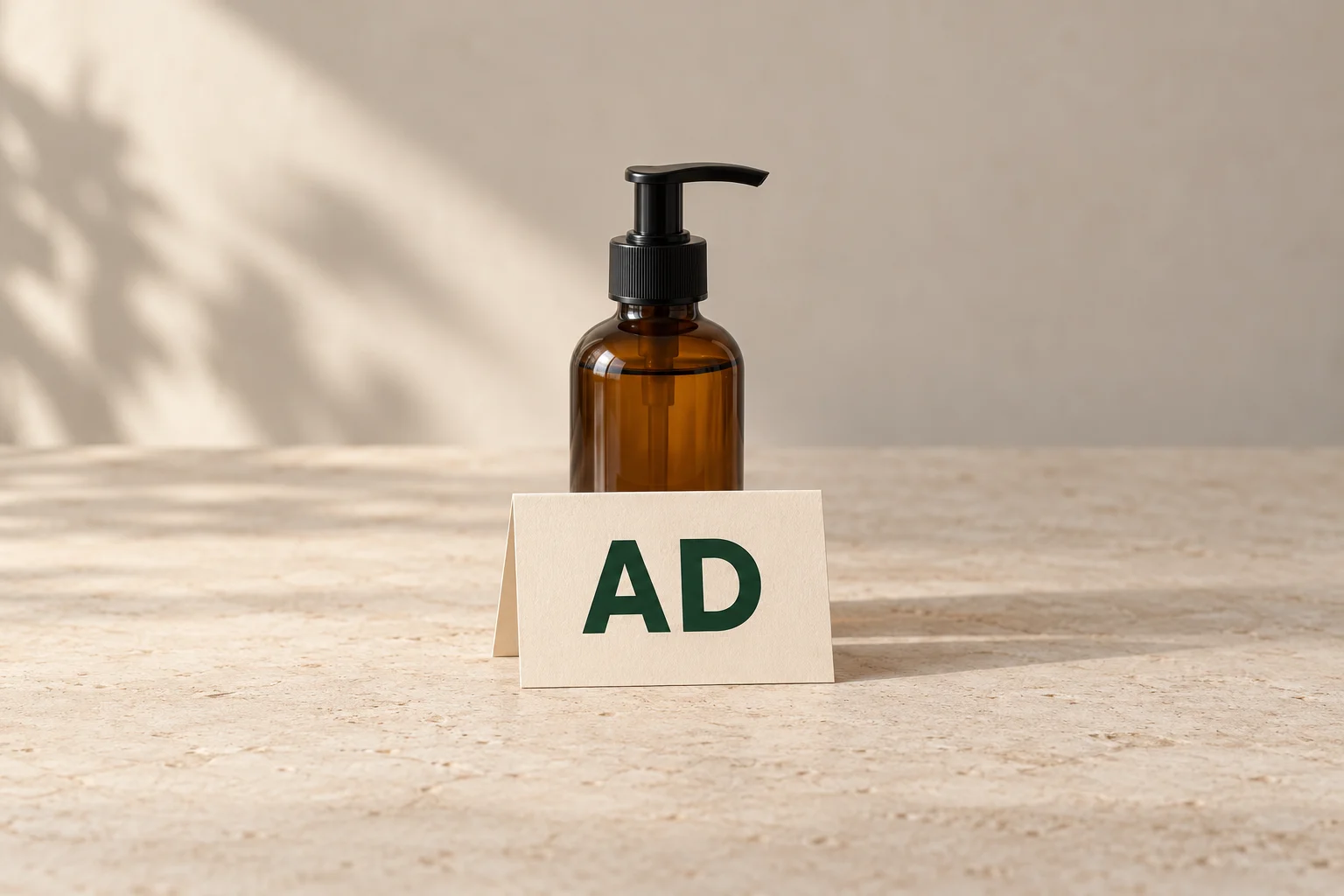
Suppose a creator makes a promotional video of a fictional amber pump bottle. These are alternative assignments, not a real campaign or completed account test. No claim about the bottle’s contents or effectiveness is needed. The generated cover’s AD card is only a conceptual advertising cue, not TikTok’s actual label or proof of sufficient disclosure.
Connect the assignment to the person who must check the post
Scroll sideways to see all columns.
| Agreed task | Disclosure handoff | What remains to confirm |
|---|---|---|
| The creator delivers bottle-demo-v1.mp4 only. | Identify the future publisher. Do not mark a nonexistent TikTok post as checked. | Which account will publish, who controls it and what publication is actually agreed? |
| The brand publishes its own promotional post on its named account. | The brand’s publisher checks the own-brand choice in the current TikTok disclosure flow. | The selected setting for this post and the label actually displayed after publication. |
| The creator is separately paid to publish about this brand on the creator’s account. | The creator checks the third-party Branded content choice; TikTok’s cited guide describes the resulting Paid partnership label. | The correct relationship, any associated authorization decision and the actual published post’s label. |
| The team later proposes another post from a different account. | Open a new publishing record and reassess that account’s relationship and setting. | Do not carry forward confirmation from the earlier post or treat disclosure as a property embedded in the video file. |
If the brand has approved the file but the creator’s posting task is still undecided, resolve that task first. Write “publisher not yet agreed” instead of assuming the creator will post. If the task is agreed but its setting remains unchecked, name the person and next action. Those are different missing pieces.
Send a checkable handoff and close the loop
Planned post: [purpose and exact video version]
Publishing account: [identified account]
Commercial relationship: [own-brand promotion or specific third-party arrangement]
Responsible publisher: [person]
Current TikTok guidance checked: [URL and date]
Disclosure choice: [actual selection, or unresolved question]
Separate authorization or wording decision: [reference and owner]
Before-post confirmation: [who checked the setting and when]
Published post: [actual link, if publication is agreed and complete]
Observed disclosure label: [what appeared, who checked and when]
Outstanding issue and next action: [owner and follow-up]
Before posting, ask the responsible person to confirm the actual setting for the agreed account and version. Do not publish merely to discover what an unresolved choice means. Keep account passwords and private authorization codes out of the handoff; the publisher should operate their own account through its normal access arrangements.
After the agreed publication, check the actual post and record its link and displayed label. A screenshot of an earlier draft does not establish what viewers can now see. If the label is missing or differs from the agreed relationship, have the publisher follow TikTok’s current existing-post instructions and document the correction or remaining issue.
Reopen the record when the publishing account, relationship or post changes. Keep the previous confirmation attached to the post it actually covered. The useful result is a named person, a specific post and a traceable check, not a generic “disclosure done” note attached to every future use of the video.
How this fits UGC Stage
UGC Stage is an application in development connecting brands and creators. Its planned collaboration flow will keep conversations, references, files and feedback with the project. A publisher handoff note can keep the agreed posting task and unresolved disclosure questions beside the relevant delivery. This is a manual record, not automatic TikTok publishing, disclosure verification or legal certification in UGC Stage. Join the brand launch list to hear when the application becomes available.
Sources and notes
Practical guidance from the UGC Stage team. Examples are educational, not customer results or income guarantees.