
Seeing a recording on your phone and another device does not necessarily give you two independent backups. First identify which locations share changes and deletions. Then make and check separate copies of the camera originals you need to retain. A finished video is useful, but it cannot replace the unused portions of its source recordings.
Identify which locations share the same deletion
Apple documents a specific example: when you delete a photo or video from one device using iCloud Photos, it is deleted everywhere you use that library. Apple also says these photos and videos are not duplicated in iCloud Backup and recommends keeping backup copies. A second signed-in screen is therefore not, by itself, protection against that deletion.
This describes iCloud Photos, not every cloud service or folder. Check the current behavior of your actual storage tool, including whether deletion propagates and what a local copy contains. With Apple’s Optimize Storage, the device may hold space-saving versions while the originals remain in iCloud. A visible thumbnail does not establish that a full original has been exported elsewhere.
Before freeing space, name the material that must remain available: complete camera clips, separate audio and any other resources required for your edit. Keep finished exports and editing-project files identified separately. This guide focuses on source recordings; it does not replace the editor’s instructions for preserving a complete editable project.
Map locations by what they actually preserve
Imagine a practice video with three short recordings: placing a plain coaster on a table, turning it and removing it. The creator has made a shorter edited video from them. The following is a fictional planning situation, not a performed recording, transfer or recovery test.
Fictional location map before any cleanup
Scroll sideways to see all columns.
| Location | What the example contains | What remains to establish |
|---|---|---|
| Phone Photos and the same library viewed through iCloud | The three recordings appear in the synchronized library. | Treat them as sharing iCloud Photos deletion behavior, not two independent archives. |
| An external drive folder | An export of the three originals is planned. | Until the export completes and its files are checked, this is a destination plan rather than a verified copy. |
| A separate local computer folder | Only the finished short edit has been saved there. | It preserves that edit, not the three complete recordings or their unused portions. |
The decision is to preserve the library for now and correct the copy plan. Export the complete originals to appropriate independent storage, then verify what arrived. If you also need a second independent set of originals, create and check it; counting the finished edit as that set would answer the wrong question.
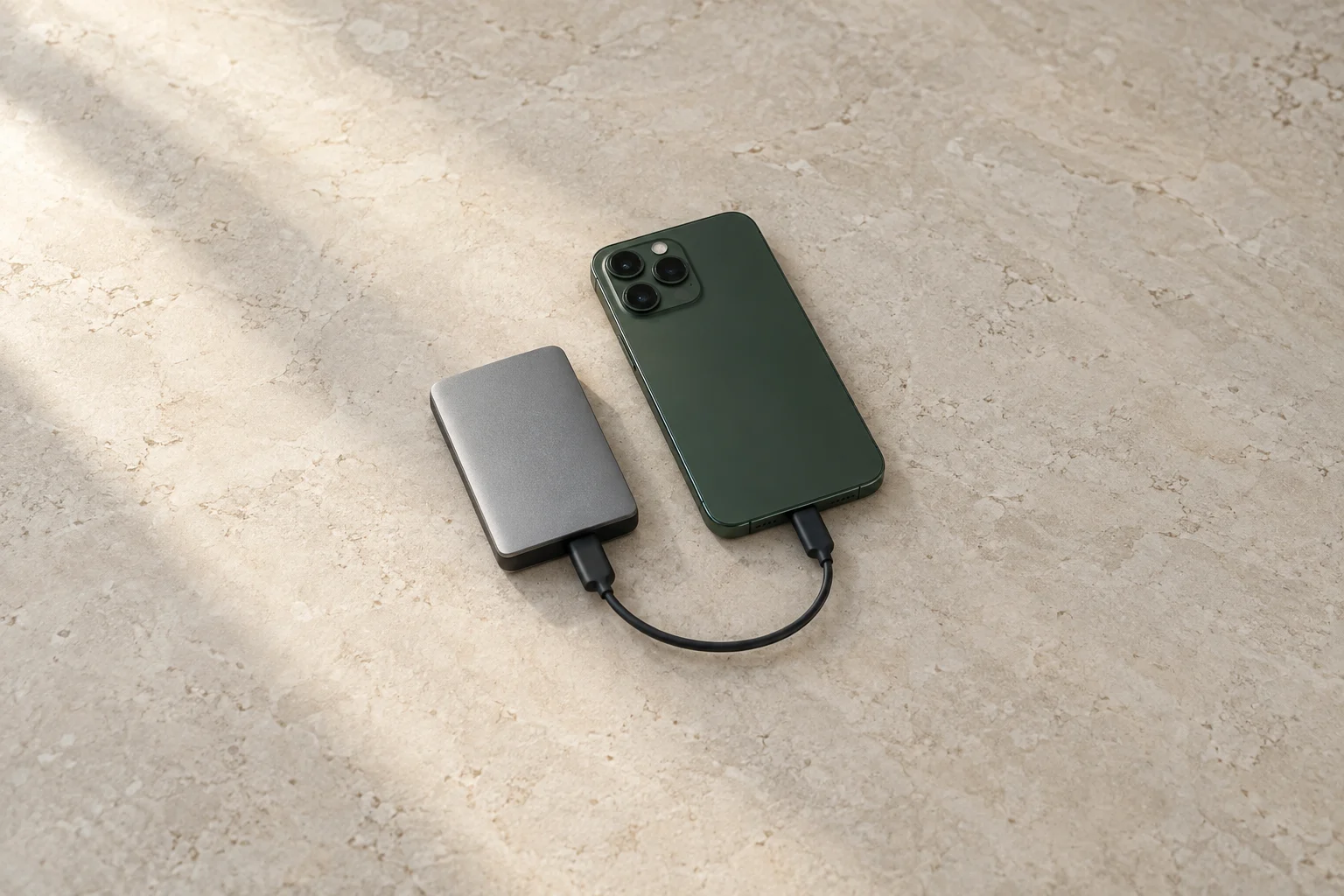
The cover illustrates a phone and external drive. It does not establish that a transfer happened or that the depicted devices work together. Follow the current connection and storage requirements for the equipment you actually use.
Check the copies from their destination
Apple’s archiving guide includes a route for exporting unmodified originals from an iPhone or iPad to external storage. Follow the current instructions for your supported setup and allow the original files to download where needed. Do not substitute a Shared Album download without checking its limitations: Apple warns that those copies may not retain full resolution.
- Compare the expected source filenames with the files in the destination. Account for all three recordings in this small example, not just three items with similar thumbnails.
- Open each short recording from that destination folder and play it completely with its expected sound. Confirm the beginning, action and ending are present; avoid a recent-items shortcut that might open the phone copy.
- Compare duration and file properties with the source. An unexplained difference needs investigation; matching names or file counts alone does not prove identical contents.
- Record the checks actually completed. Playback checks are useful but do not establish byte-for-byte identity or guarantee future recovery. Use your storage tool’s documented verification options when stronger assurance is needed.
Keep the source unchanged while resolving a missing, unreadable or unexpected file. Review the copy route and source before trying again. Protect private client material with appropriate access controls; a public link is not needed to verify your own copy.
Record what will remain before cleanup
Keep multiple independent copies appropriate to the work’s importance and agreed retention. Two folders on one drive still share that drive’s failure risk. Exclude anything you plan to remove from your count of remaining copies. If the storage plan or a required check is unresolved, keep the source.
Source preservation record
Recordings and other resources to retain:
Locations sharing synchronization or deletion:
Independent destination and exact folder:
Originals, finished edit or project files stored there:
Copy completed and actual checks performed:
Unresolved difference or unreadable file:
How the retained copy was opened or retrieved:
Independent copies that would remain after proposed cleanup:
Agreed retention responsibilities and restrictions:
Next action before any deletion:
A successful export check does not settle how long you may or must retain client files. Confirm that separately and keep the record current when locations change. The aim is to know which original recordings remain retrievable, not to treat a cloud icon or a folder named “backup” as proof.
How this fits UGC Stage
UGC Stage is an application in development connecting creators and brands. Its planned portfolios will let creators present selected video, photo and voice samples. For an honestly labeled practice sample, retain your source recordings separately while preparing the finished work you want to show. Publishing a selected sample is not a backup plan, and this guide does not promise an archiving or recovery service in the application. Use your own appropriate storage tools and join the creator launch list to hear when the application becomes available.
Sources and notes
Practical guidance from the UGC Stage team. Examples are educational, not customer results or income guarantees.