

If a delivered UGC video looks soft in an online preview, first establish which file and playback view you are judging. When the agreement permits downloading, inspect that export locally at the same moment. Report what differs before asking for new filming. Downloading is a way to examine the delivered file, not a way to restore detail that was never recorded.
Identify the file and the view you are judging
Start with the creator’s delivery list. Confirm the current filename, version and intended export, including its caption treatment. A forwarded message, a screen recording of playback and a downloaded delivery file are different review materials. Do not compare an older edit with a new one and interpret their differences as lost quality.
Here, “downloaded copy” means the agreed exported video obtained through the delivery route. It does not mean camera-original footage or an editable project. Ask for clarification if the shared link does not identify the intended export; do not expand the delivery scope just to investigate a preview.
Google’s Drive guidance explains why this distinction matters: playback has a resolution limit, internet quality and speed may affect playback quality, and a video may still be processing for other devices or recipients even when its uploader can watch it immediately. Those are documented Drive behaviors, not proof of what caused the issue in your particular file.
Compare the same detail without changing the file
Choose the detail required by the brief and note its timestamp. With authorized access, download the specified export and open it in a suitable player. Inspect the same moment in the preview and downloaded copy at comparable viewing sizes. A tiny preview beside an enlarged local window is not a useful basis for judging the difference.
Record the device, player or browser, and whether a processing message is visible. Watch the surrounding movement as well as the selected moment. If the file cannot play properly, keep that as a playback question; Google notes that not every video type works on every device. Do not change the file or use an enhancement tool before making the comparison.
If download access is unavailable, ask for the agreed review route or permission from the owner. Do not make the link public or bypass a restriction. Where downloads were not agreed, settle another suitable inspection method with the creator. Until then, record the missing comparison rather than treating it as evidence of bad filming.
Example: choose the next check for a comb detail
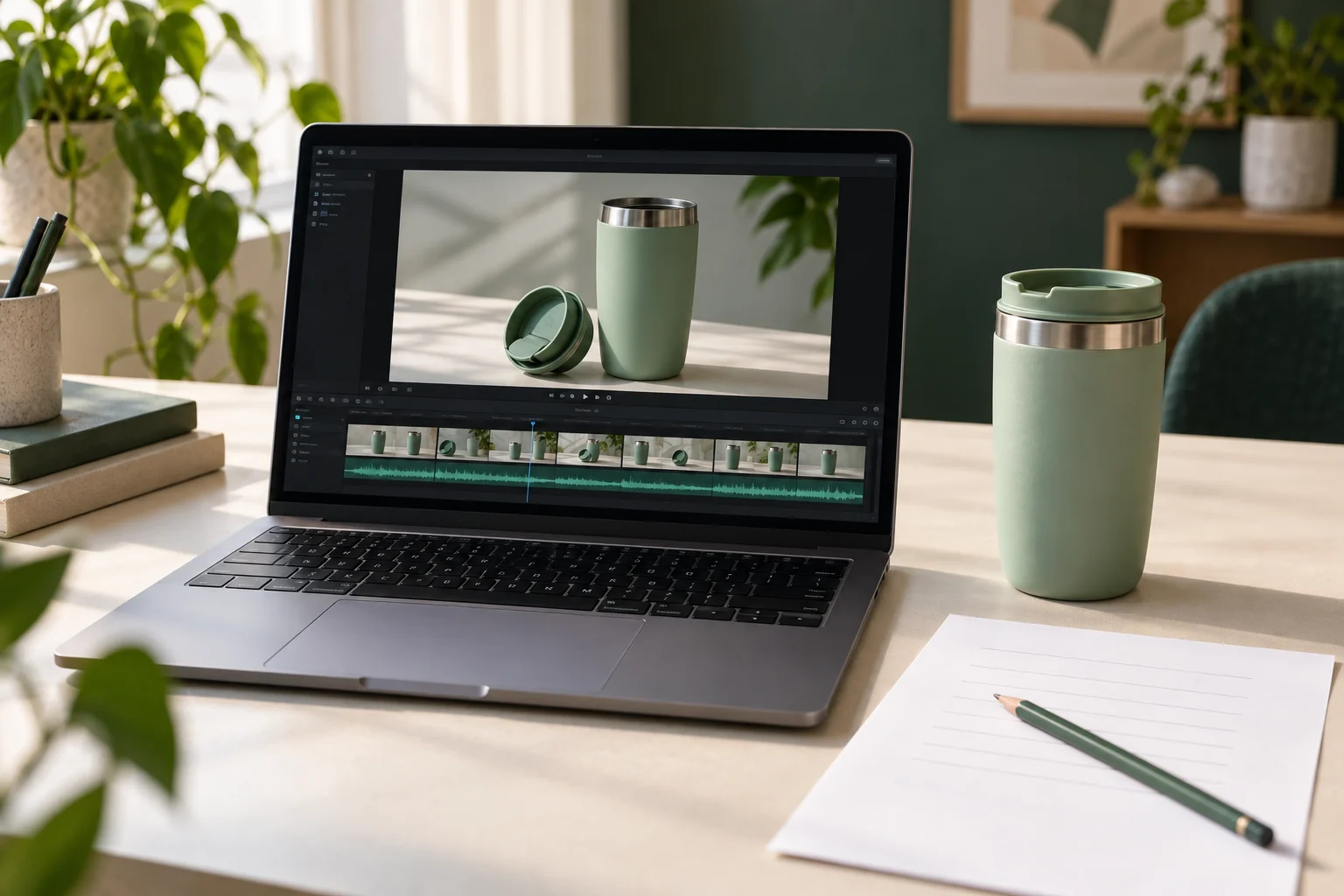
Imagine a brief requiring the gaps between a wooden comb’s teeth to be distinguishable in a held view at 00:06. The table gives alternative hypothetical observations for comb-demo-v2.mp4, not results from an actual recording or test. The generated cover is a conceptual inspection scene, not evidence that a video was sharpened.
Fictional observations and proportionate next checks
Scroll sideways to see all columns.
| Observation | What remains uncertain | Useful next action |
|---|---|---|
| The preview obscures the gaps; the matching downloaded view shows them clearly. | The exact reason for the playback difference is not established. | Record that the required detail is visible in the downloaded export. Continue reviewing the file; do not request a reshoot solely for this preview difference. |
| The gaps remain unclear in both views. | This does not isolate a capture, export or player problem. | Ask the creator to check the same moment in the intended export and its source. Agree the necessary correction after locating the issue. |
| The local file has a different opening or version from the shared preview. | The comparison is not yet between the same edit. | Confirm the current delivery and repeat the comparison with the matching version. |
| The preview is still processing or the agreed file cannot be downloaded. | There is not enough evidence to compare the required detail. | Wait for processing or resolve authorized access, or agree another review method. Leave the quality decision open. |
Do not infer technical quality from dimensions or file size alone. A file can have the agreed image dimensions while a required detail remains unclear. Equally, seeing one clear comb detail does not approve the rest of the video, its wording or its intended use.
Send an observation before prescribing the fix
Playback comparison note
Current filename and version:
Required detail and timestamp:
Preview location, device and browser:
Downloaded copy and player used, if authorized:
What I observed in each view:
Processing, access or version uncertainty:
Next check requested and person responsible:
What remains open before the delivery decision:
Write “the tooth gaps are unclear at this moment in both views” rather than “your camera is bad.” The first statement is an observation the creator can investigate. If a replacement export or new filming is needed, agree the work and timing under the applicable revision terms, then check the replacement file.
Once the comparison is resolved, return to the full content and delivery review. Keep the reviewed filename attached to the decision. A clearer playback view answers one review question; it does not automatically approve the work or guarantee how every publishing destination will display it.
How this fits UGC Stage
UGC Stage is an application in development connecting brands and creators. Its planned workflow will keep conversations, references, files and feedback in one place. Keep a manual comparison note beside the relevant file and brief so both parties can see what was checked and what remains unresolved. Use your own agreed playback and delivery tools; this method does not describe a promised preview format or automatic quality analysis in UGC Stage. Join the brand launch list to hear when the application becomes available.
Sources and notes
Practical guidance from the UGC Stage team. Examples are educational, not customer results or income guarantees.