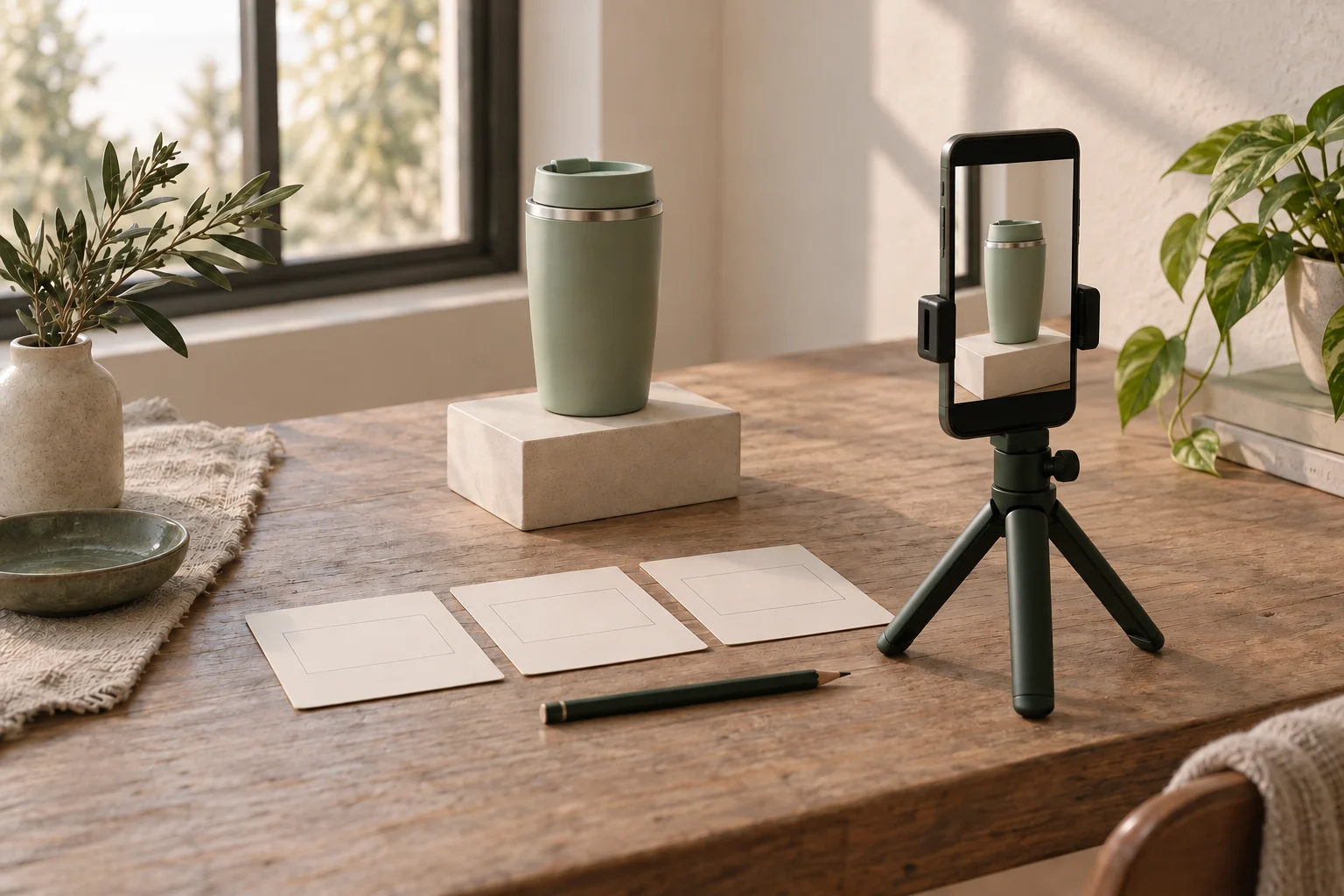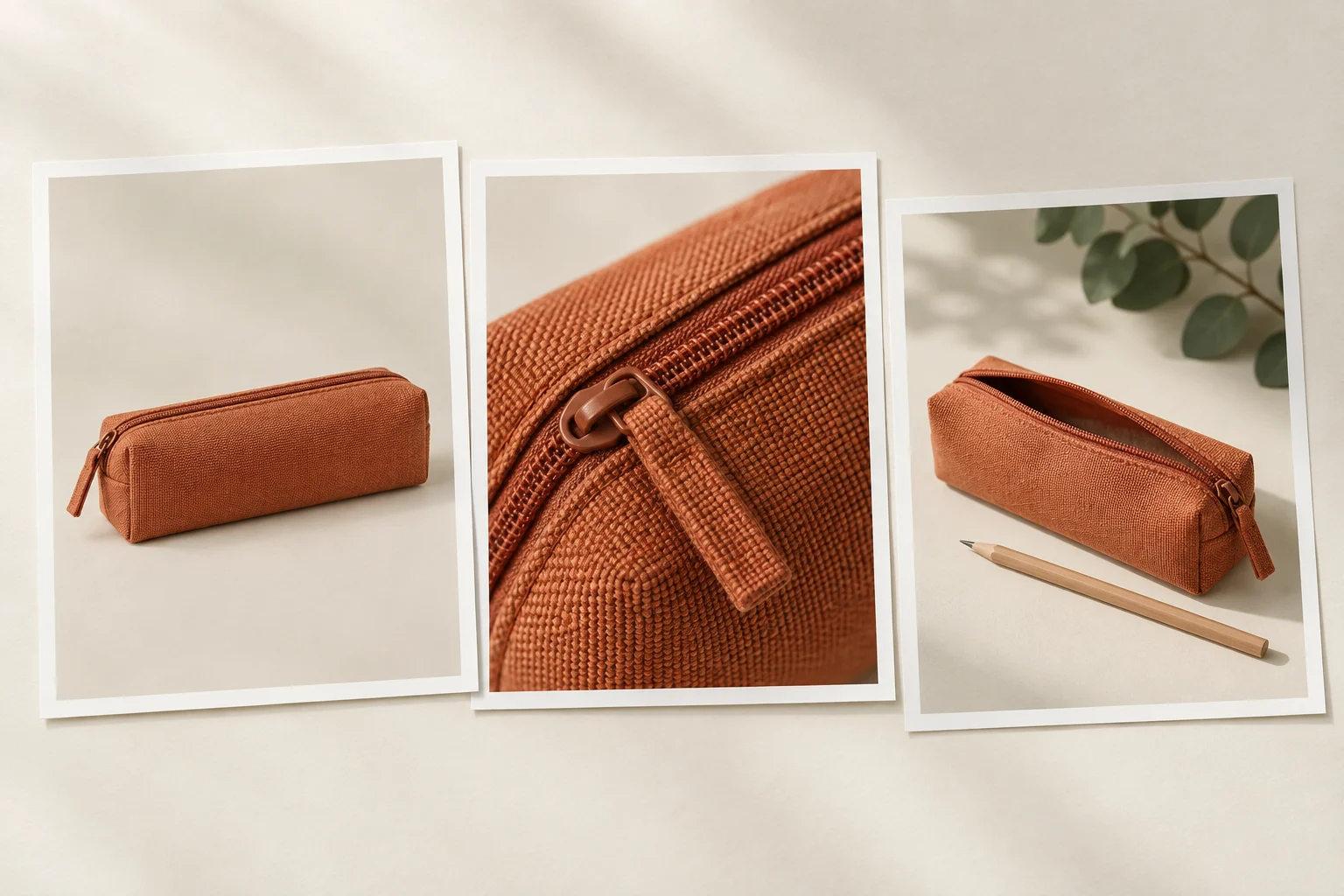

If the detail becomes blurry as you bring the phone closer, stop approaching and try backing away. Check whether the required feature becomes readable in the saved video. A product filling more of the frame is not useful if its important detail disappears; a sharp but tiny feature may still be too small for the brief.
Choose the detail before choosing the distance
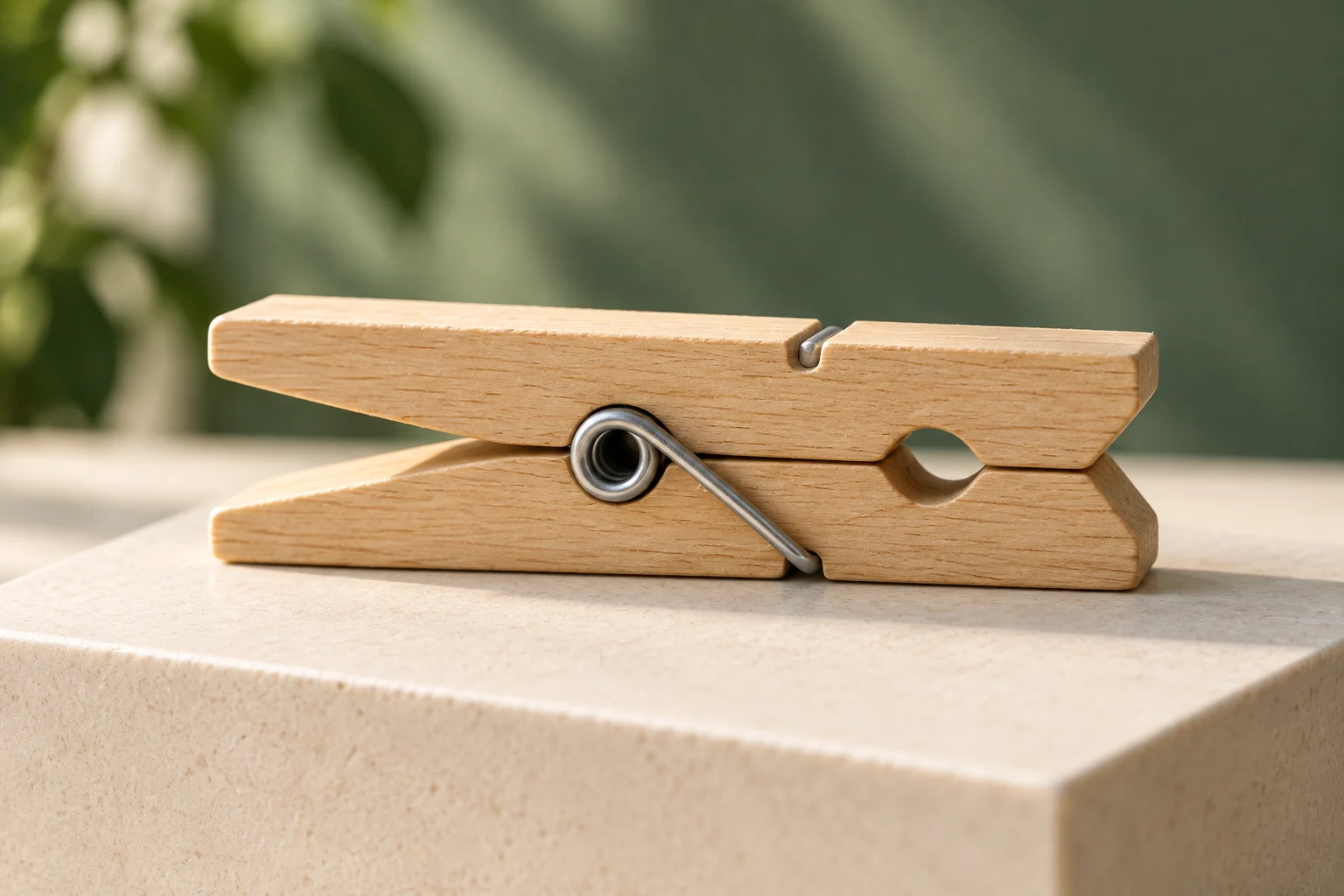
Start with one visible feature the shot must explain: a seam, an opening or the shape of a small part. For this exercise, imagine a wooden clothespin whose central metal spring and adjacent wood joint need to be visible. Showing the spring explains its appearance; it does not prove the clothespin’s strength, service life or material certification.
A close-up describes the framing you need. It does not require a camera setting called Macro or a measured magnification. Decide whether the shot will stay still or include a small turn. That movement matters because a usable stationary view can become unusable partway through the take.
Samsung’s support guidance explains that being too close can prevent a phone camera from focusing and that minimum shooting distance varies with the model and lens. There is no single distance to copy into every setup. Use your actual device, selected camera and recording mode to find a position that works for the required detail.
Compare the still moment with the planned movement
Support the phone securely, use enough light to see the feature, and begin with the product still. Record a short test in the video mode you intend to use. Include the whole planned movement and a settled ending, then replay the saved clip. These are proposed production steps, not a report of a phone test we performed.
If the detail is soft even while still, move the phone or product farther apart and repeat the comparable shot. Change one thing at a time so you can judge the result. If backing away helps, check that the feature is still large enough in the intended export. Do not assume cropping, enlargement or sharpening will recover detail that was never clearly captured.
If the still moment is readable but the turn becomes smeared, compare a steadier, slower version of that same action. This observation suggests a different next test; it does not prove that motion is the only cause. Camera movement, subject movement, focus changes and lighting can overlap. If the revised take still fails, record the remaining symptom rather than calling the problem solved.
Check what your own camera does as you approach
A sudden change in framing or image appearance may accompany a camera switch. Apple documents automatic Ultra Wide macro capture on supported iPhone models in its Camera app, and suggests backing away if a macro photo or video becomes blurry. The guide describes controls for automatic switching; those controls and modes are not a promise about every iPhone, Android phone or third-party app.
Samsung also describes close-shot assistance and camera-dependent minimum distances. Check the support information for your specific device and the controls available in the app you are using. If a supported close-focus option is available, test the actual video mode before the take. Do not assume a successful still photo proves the moving recording will behave the same way.
Choose a camera and position that keep the required feature usable through the intended action. If an approach triggers a distracting switch, consider keeping the product at a tested position for a separate detail shot instead. Do not turn off a camera feature merely because another phone tutorial does: verify what changes on your device and inspect the saved result.
Example: choose a usable clothespin detail shot
The following observations are invented possibilities for a practice shoot. They are not measured results, a sequence guaranteed to work or a real brand assignment. The target is the closed clothespin’s central spring and adjacent wood joint, first still and then during a small turn. Compare each next take with that same target.
Fictional observations and the next decision
Scroll sideways to see all columns.
| What the saved clip shows | One change to try | What to check next |
|---|---|---|
| The spring stays soft while the clothespin is still at the nearer position. | Increase the space between phone and product. | Are the spring and wood joint readable and still large enough in the intended output? |
| The still view is usable, but detail smears during the turn. | Repeat with a steadier, slower turn. | Does the complete movement now preserve useful detail, including its beginning and ending? |
| The framing changes abruptly during the approach. | Keep a tested position and record the detail as a separate shot. | Does the chosen camera remain suitable throughout, without the unwanted transition? |
If a change improves one part but loses another required part, the shot is not ready. For example, backing away may clarify the spring while making the wood joint too small to explain. Try another appropriate framing or discuss a separate detail shot; do not silently drop a feature required by the brief.
The generated cover only illustrates the clothespin detail this exercise aims to show. It does not demonstrate a successful phone recording or establish a recommended shooting distance. Judge the real footage you record, not the apparent clarity of this still illustration.
Keep a short record of the take you selected
Product and detail that must be visible:
Phone, camera app and video mode:
Camera/lens used, if known:
Starting position and planned movement:
Symptom while still / during movement:
One change tried:
Saved clip filename:
What became usable and what remains unresolved:
Final export checked at the intended viewing size:
Selected take and reason:
Write only what you observed. If you do not know which camera the app selected, say so. Keep a reference image of the setup if it helps repeat the position, without treating it as a measurement or a guarantee that the camera will behave identically later.
Before putting the product away, inspect the selected exported clip at a size relevant to its destination. Check the required detail through the complete action and at the cut into the neighbouring shot. If the delivery format changes or you make a tighter crop, check the new export again. The useful outcome is a clearly recorded feature that serves the shot, not the closest possible phone position.
How this fits UGC Stage
UGC Stage is an application in development connecting creators and brands. Its planned portfolio feature lets creators showcase selected work. A close-up you actually film can become a practice sample: identify the detail you intended to show and the camera decision you made, and label it as personal practice when it was not client work. Keep the observation record with your own production files. Stage is not presented as a camera, focus checker or enhancement tool. Join the creator launch list to hear when the application becomes available.
Explore the applicationSources and notes
Practical guidance from the UGC Stage team. Examples are educational, not customer results or income guarantees.