

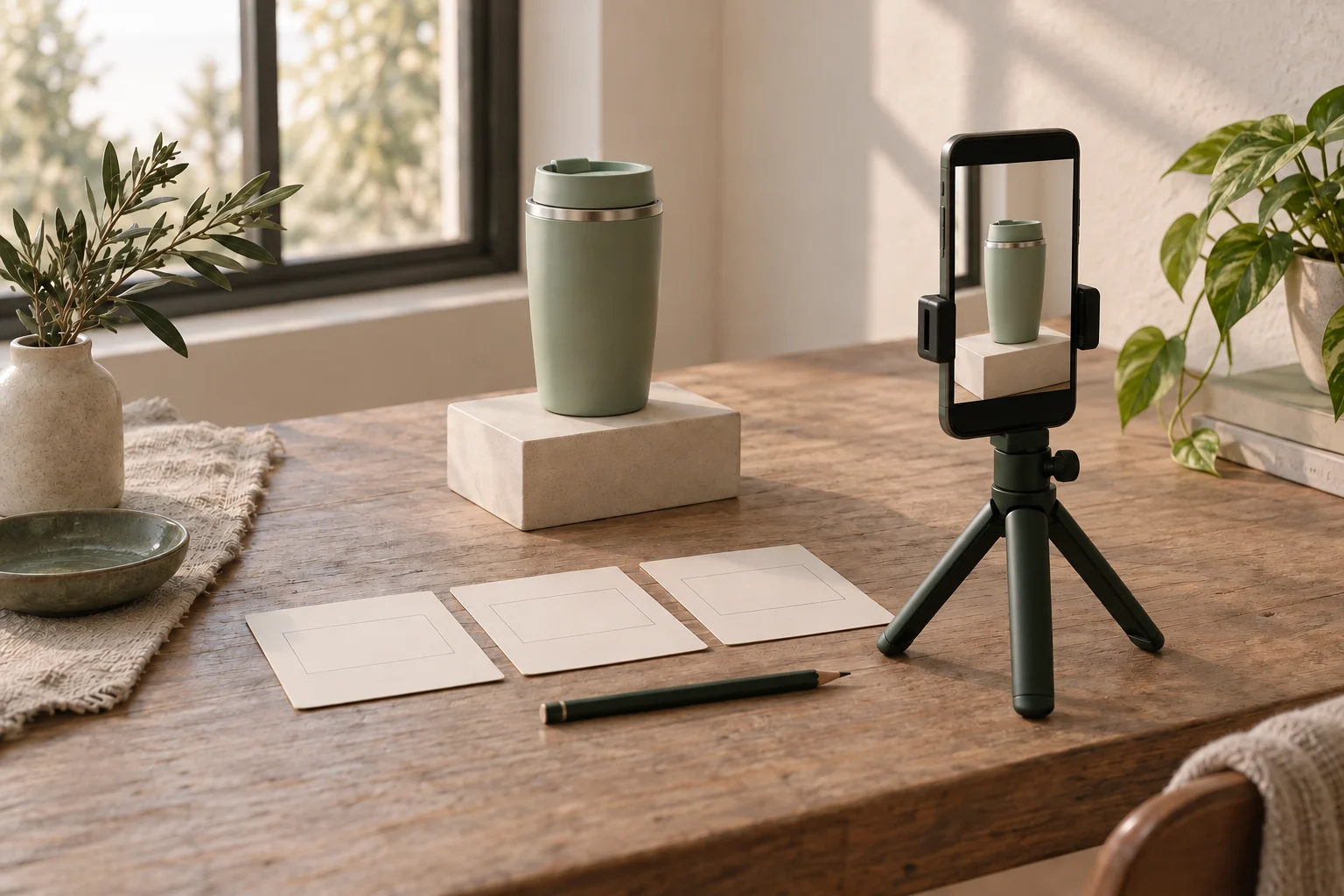
Turn an agreed UGC brief into a shot list by giving each required message a visible action, a framing choice and an audio plan. Then choose a sensible filming order and check the selected takes before packing away. The list is there to help you capture a complete edit, not to force every product into the same number of shots.
Start with the agreed output
Keep the approved brief beside you. Identify the required product actions, spoken points, final format and anything that must not appear. Resolve an unclear claim or missing requirement with the brand before filming it. A shot list turns those decisions into capture tasks; it does not replace the brief.
Separate what you need to record from what you promised to deliver. Several takes may contribute to one edited video. That does not automatically make every raw clip part of the deliverable. Likewise, one shot may serve more than one moment in the edit. Plan according to the agreed scope instead of collecting unrelated footage.
In the fictional example below, the brief asks for one 20-second vertical travel-cup video. It must show the cup, removing and replacing its lid, and where it sits on a desk, with a short voiceover. It does not ask for a leak test, heat-retention demonstration or creator-account post. These are invented planning constraints, not product claims or a universal video format.
Give each shot a clear job
For each required point, write what the viewer needs to see and hear. A wider frame can establish the whole object; a closer frame can make a small action visible. Supporting shots, often called B-roll, should supply information the edit needs rather than simply fill time.
Fictional travel-cup capture plan; IDs identify shots, not seconds
Scroll sideways to see all columns.
| ID and purpose | Action and framing | Audio or edit note | Continuity check |
|---|---|---|---|
| A — introduce the cup | Show the full cup upright on the desk | Leave room for the opening voiceover | Lid closed; clear background |
| B — show lid removal | Closer view of a hand removing the lid | Keep the complete movement available to the edit | Start closed; finish open |
| C — show lid replacement | Closer view of the lid being replaced correctly | Leave a short still moment around the action | Start open; finish closed |
| D — show desk placement | Wider view of the closed cup placed beside a notebook | Room for the closing voiceover | Same lid position and desk props |
This four-row plan is one possible way to cover this brief. It is not a required shot count. Add a row only when a requirement or an editing need justifies it. The opening and closing wording still need to fit the agreed message and the actual product; a pleasant shot cannot substantiate an unsupported claim.
Separate filming order from edit order
The edit might run A, B, C, D. You could film A and D together while the wider setup is ready, then move closer for B and C. Write that capture order beside the list so you do not rebuild the same setup unnecessarily.
Before grouping shots, track the product's state. Here, B starts with the lid closed and ends open; C must begin open and end closed. D needs the lid closed again. Keep the cup, lid and desk props consistent wherever the edit is meant to show one continuous moment.
If a later shot depends on a change that cannot be reversed, plan that dependency first. Do not repeat an unsafe action or misrepresent how a product works to preserve the sequence. This example needs no liquid; keep liquid away from the phone and other electrical equipment if your actual assignment requires it.
Record a short setup test
Use the orientation and output requirements in the brief. Position the phone securely, clear the view and check the background and reflections for unwanted details. Use equipment you can support safely; the worksheet does not require a new phone, paid camera app or particular frame rate.
YouTube's mobile-filming guide recommends soft, even lighting, reducing interruptions and background noise, and controlling focus and exposure to avoid changes during a shot. Where your phone or camera app supports those controls, test them on the actual product. Controls vary, so check the recorded result rather than assuming a setting worked.
- Play back a short test at a useful viewing size: can you see the lid action and the detail the brief needs?
- Check whether brightness or focus changes distract from the action. Adjust the setup and test again if needed.
- If recording useful sound, check that the microphone is uncovered and listen for speech clarity and background noise.
- Reduce notifications and interruptions before the take. Record voiceover separately if that is the agreed plan.
Choose usable takes before packing away
A tick should mean you watched a usable take, not merely pressed Record. Check each required action from start to finish, including enough still footage before and after it for the intended cut. The necessary breathing room depends on the edit; there is no fixed duration that makes every clip usable.
Shot-list row
ID and brief requirement:
Visible action and framing:
Audio, voiceover or on-screen text purpose:
Setup and product state at the start/end:
Planned filming order:
Chosen take filename:
Checked: action / focus / light / sound if needed / unwanted details:
Missing footage or agreed question to resolve:
For example, if take B-02 shows the lid removal clearly but a hand blocks the cup at the end, check whether the planned cut still works. If the action is missing, record a suitable replacement while the setup is available. Mark the chosen file in the list so you do not have to rediscover it among several takes.
Before stopping, check that every required point has usable footage and that the sequence can join together. Capture an extra angle when it solves a specific gap within the agreed work. If the brand requests a new scene or additional deliverables, discuss the scope instead of treating them as automatic extras.
How this fits UGC Stage
UGC Stage is an application in development connecting brands and UGC creators. Its planned creator packages let you define deliverables and prices. A shot list can help you plan the footage needed for the finished video promised in a future package, while keeping internal filming choices separate from the files you agree to deliver. This worksheet is a manual planning aid, not a camera or shot-list feature inside the application. Join the launch list to hear when UGC Stage becomes available.
Explore the applicationSources and notes
Practical guidance from the UGC Stage team. Examples are educational, not customer results or income guarantees.