

Before asking a creator to “make it shorter,” identify the exact source video, the shorter version’s job and the action or meaning that must survive. Then map what to retain, remove or replace. Review the resulting export on its own: a shorter file is only useful if a new viewer can still understand the product and message.
Define the shorter version’s job
A cutdown is a shorter edit made from an existing video. Start with the exact filename and the reason for requesting another version. Name the intended destination, requested duration and one thing the viewer needs to understand. Confirm the proposed edit and use with the creator; additional editing, recording, timing and any fee depend on the actual agreement.
Shortening and changing the picture’s shape are separate decisions. Google Ads documents both orientation changes and shorter versions under video enhancements. For shorter versions, it describes selecting key moments and running additional versions after its quality review. That is Google’s platform process, not evidence that your team has reviewed every required action or qualification. This guide’s manual map is an editorial planning aid, not a Google requirement or a Stage automation.
Write down the elements that cannot disappear: the identifiable product, the required action, any wording needed to keep a statement accurate, and an understandable ending. Do not assume deleting a fixed number of seconds from the beginning or end will preserve them. If the requested duration cannot accommodate the essential content, discuss the target or concept before editing.
Example: map a 30-second tote video into a proposed 15-second edit
Imagine a fabric tote demonstration that opens the bag and places one notebook inside. Every file, timestamp and observation below is invented for this planning exercise. The brand requests 15 seconds for this particular assignment; that is not a recommended length for all UGC. No video was edited or timed for this example.
Fictional edit map for tote-demo-v1.mp4
Scroll sideways to see all columns.
| Source time | What that segment contains | Requested treatment | Proposed new time |
|---|---|---|---|
| 00:00–00:06 | Repeated introduction | Remove the repetition; check that the new opening still identifies the tote. | Not retained |
| 00:06–00:11 | The tote is opened | Retain the complete five-second action. | 00:00–00:05 |
| 00:11–00:16 | One notebook is placed inside | Retain the complete five-second action. | 00:05–00:10 |
| 00:16–00:24 | Repeated detail views | Remove, provided no required detail or qualifying wording is lost. | Not retained |
| 00:24–00:30 | An ending that refers back to the original introduction | Replace with a newly agreed five-second ending. This material does not yet exist. | 00:10–00:15 |
The proposed output contains five seconds of opening, five seconds of notebook placement and five seconds for the new ending: 15 seconds in total. Source timestamps locate material in the original file; new timestamps describe the proposed order. They are not interchangeable instructions to the editor.
The creator still needs to confirm that the real footage, audio and joins support this plan. A possible replacement line is “See the tote’s details,” if that matches the intended next step. Agree whether it needs a new voiceover, picture or text and allow for the work. The five-second slot is a planning allowance, not a claim that a suitable ending has been recorded.
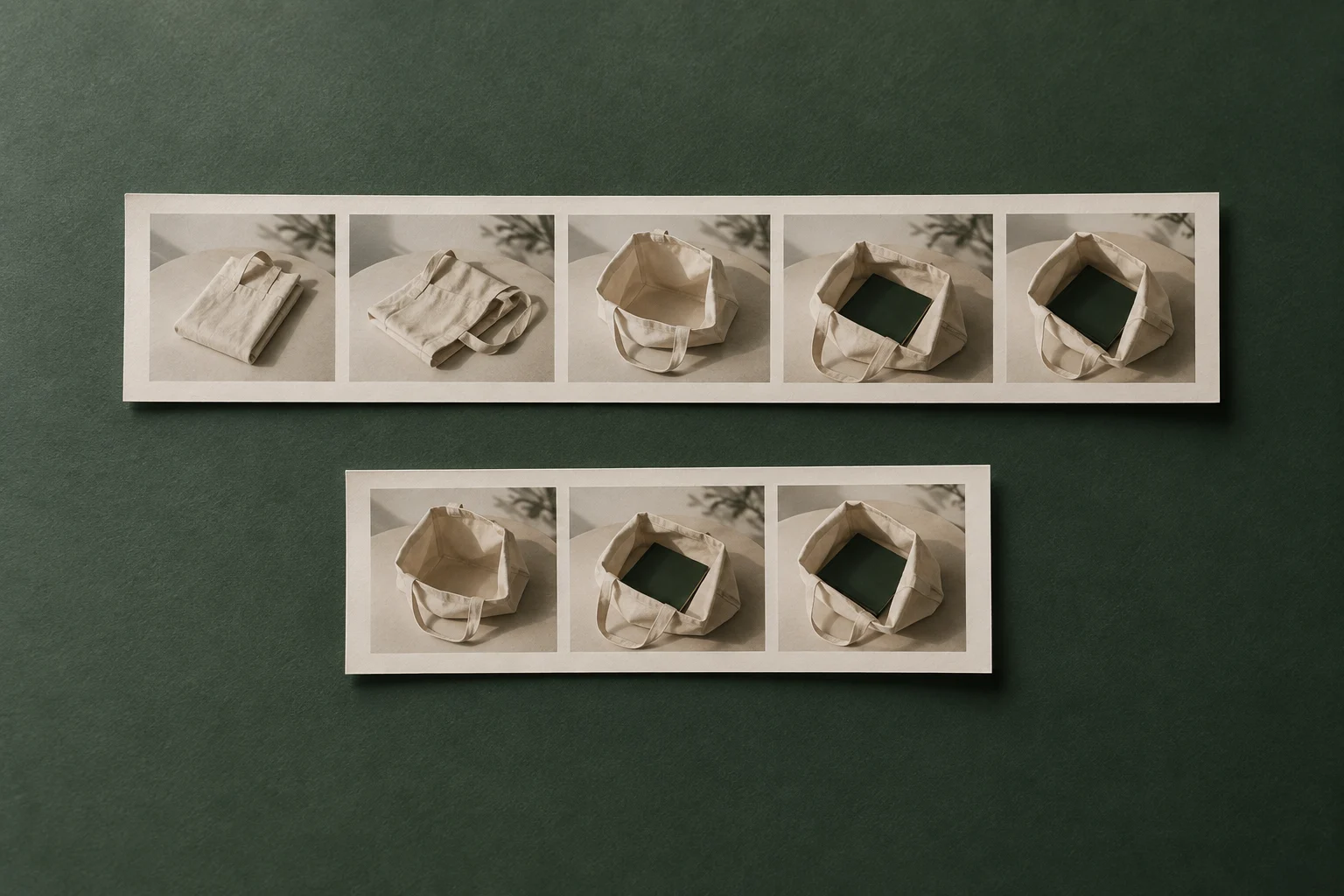
The generated cover uses printed tote references to illustrate a longer and shorter sequence. Its stills are not extracted from a real video, do not document the table’s exact timing and cannot establish that a complete movement was captured.
Check what the cuts remove besides time
Review the proposed sequence as if you have never seen the original. Can you identify the tote before the notebook goes in? Does the bag jump from closed to full without the action the brief required? A shorter demonstration should still show the agreed action; speeding it past readability or replacing it with an unexplained result may defeat that job.
Listen across each join. A surviving “this,” “again” or “as I said earlier” may refer to a removed shot or sentence. Rewrite or rerecord the affected line when needed, and agree that extra work. Do not keep a clipped sentence simply because its remaining words sound fluent.
Check whether a removed phrase limited a product statement. If a line applied only to the notebook shown, cutting that context must not make it sound like a promise about every item. Keep the necessary qualification, revise the wording or change the plan. Attractive pictures do not supply missing evidence.
Recheck captions against the new audio and timing, and listen for abrupt music or speech cuts. For the detailed caption and placement checks, use the related guides. Changing duration alone does not confirm music permissions, suitability for a new destination or advertising results.
Send the map, then review the actual new export
Shorter-edit request
Source filename/version: […]
New version’s job and destination: […]
Requested duration and reason: […]
Required product action and meaning to preserve: […]
Retain/remove/replace map with source and proposed new times: […]
New voiceover, footage, text or ending to agree: […]
Proposed output filename and included versions: […]
Open scope, usage or timing questions: […]
Please confirm feasibility, additional work and delivery timing before editing.
Keep unresolved rows visible. If the creator proposes different cuts, update the map and identify which requirement the alternative preserves. Do not label an additional ending an included correction unless that follows the agreement. Keep the original source and the new version distinguishable.
- Watch the complete new export without first playing the original; verify product recognition, the required action and the ending.
- Check the actual duration and compare the retained, removed and newly created portions with the agreed map.
- Read and listen for broken references, missing qualifications, caption mismatches or distracting joins.
- Record the exact reviewed filename and any remaining issue. If another edit changes timing or meaning, review that export again.
A decision such as “tote-short-v2.mp4 meets the agreed shorter-edit brief” should follow that actual review. It does not show that the shorter version will outperform the original. If performance comparison is the next task, plan it separately; restructuring a video is not by itself a controlled test of one creative variable.
How this fits UGC Stage
UGC Stage is an application in development connecting brands and creators. Its planned collaboration workflow keeps conversations, references, files and feedback with the project. A manual cutdown map can give the creator a specific request beside the source version, and keep the agreed replacement work with the later delivery. The editing and playback checks happen in your own production tools; this is not a promised video editor or automatic approval feature in Stage. Join the brand launch list to hear when the application becomes available.
Explore the applicationSources and notes
Practical guidance from the UGC Stage team. Examples are educational, not customer results or income guarantees.