

Before a creator adds your logo to a UGC video, supply the approved artwork, identify where each version should appear and confirm a usable file format. “Use our logo” leaves the creator guessing which design, color and background you mean. A short file map turns those guesses into decisions the brand can resolve before the edit is finished.
Identify the artwork the creator should use
Start with the current files held by the person responsible for your brand identity. Name the approved logo variant and any relevant language version. Separate artwork for insertion from pictures supplied only to explain the visual direction. A screenshot in a presentation is not an instruction to recreate the logo.
State which parts must stay unchanged: for example, the relationship between the symbol and name, the approved colors or the space around the mark in your own guidelines. Do not invent a minimum size or clear-space rule when the brand has none. Ask the responsible person to resolve an unclear requirement rather than asking the creator to redesign the identity.
Decide whether the logo is needed throughout the video or only in an agreed ending. That choice affects which backgrounds it must work against. Keep the requirement specific to this assignment; a file being available does not mean it must appear in every scene.
Agree on a usable file, then inspect its appearance
Microsoft’s Clipchamp guide describes importing a JPEG or PNG as an image layer above the video without requiring Brand Kit. Its separate Brand Kit section lists additional requirements and formats. Treat this as a documented example for that editor, not a promise that every editing tool accepts the same files. Ask the creator which format works in the actual tool they will use.
When the intended result has no rectangle behind the mark, request an approved file with a transparent background and inspect it over the intended footage. Do not assume that a filename containing “transparent” proves the result. If an unwanted background remains, ask for a corrected asset from the brand’s artwork source. Background removal, recoloring or rebuilding a logo should not become an unspoken extra task.
Check the supplied artwork at its intended displayed size. Look for lost lettering, damaged edges, altered proportions or a mark that becomes difficult to distinguish as the scene changes. Send the specific observation back to the brand. A different approved variant or placement may solve the problem; neither should be chosen silently.
Example: two scenes, one missing logo variant
This fictional stationery-brand video moves from a light paper scene to a dark closing background. The filenames and decisions below are invented planning examples. No artwork has actually been imported or tested.
Fictional logo input map
| Intended use | File or missing input | Decision before completing the edit |
|---|---|---|
| Logo over the light paper scene | brand-mark-dark-v03.png; dark artwork approved by the brand | Creator confirms import and checks the mark over the actual scene at the proposed size. |
| Logo over the dark closing scene | Approved light artwork has not been supplied | Brand supplies the light variant or agrees a different closing treatment. Do not recolor the dark file without agreement. |
| Old logo visible in a reference screenshot | reference-old.jpg; reference only | Exclude it from insertion. Ask the brand for the current artwork instead of tracing or cropping this screenshot. |
The first row records approved artwork, not a completed appearance check. The second identifies the missing input and who must resolve it; it does not declare the entire video unusable. The third prevents a reference image from becoming an accidental production asset.
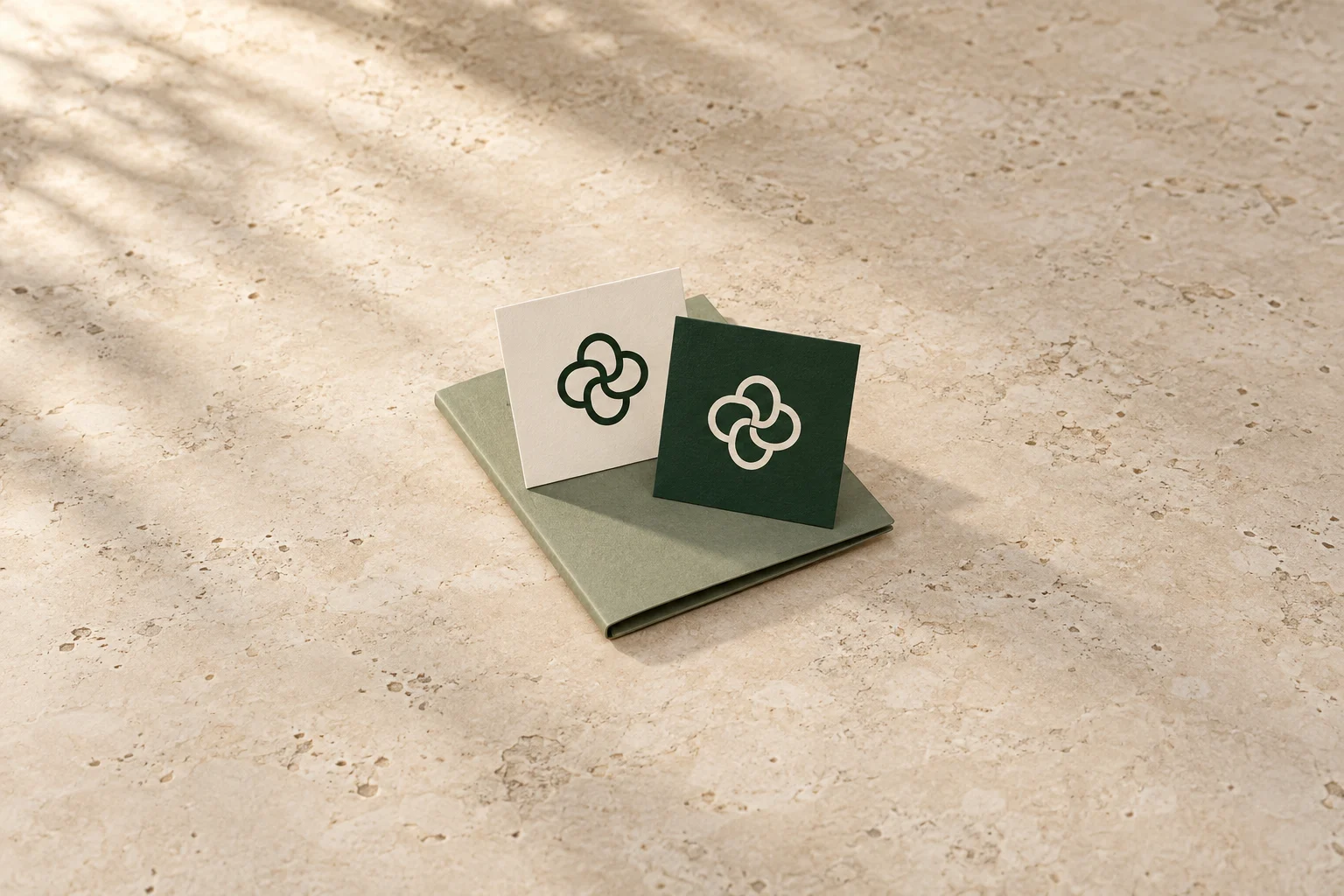
The cover illustrates this distinction with physical printed cards. It does not demonstrate digital transparency, file compatibility or the appearance of a logo in a finished video.
Send the map and confirm the file actually used
Logo handoff note Assignment and video version: Approved artwork filenames and versions: Intended scene or appearance period for each file: Relevant brand instructions: Missing variant and person resolving it: Format confirmed with the creator: Actual import and appearance observation: Decision or replacement still needed: Export version containing the agreed artwork:
Send the note with the selected files through the agreed sharing route. Ask the creator to distinguish receiving the file from opening it and using it in the edit. Keep unresolved fields open rather than marking a planned check as complete. Review the agreed logo treatment in the actual export, including changes between scenes.
If the brand replaces an asset, identify the old and new filenames and the affected scenes. Agree any effect on work already completed before requesting another export. This keeps an artwork update understandable without treating a new logo as a correction the creator should have anticipated.