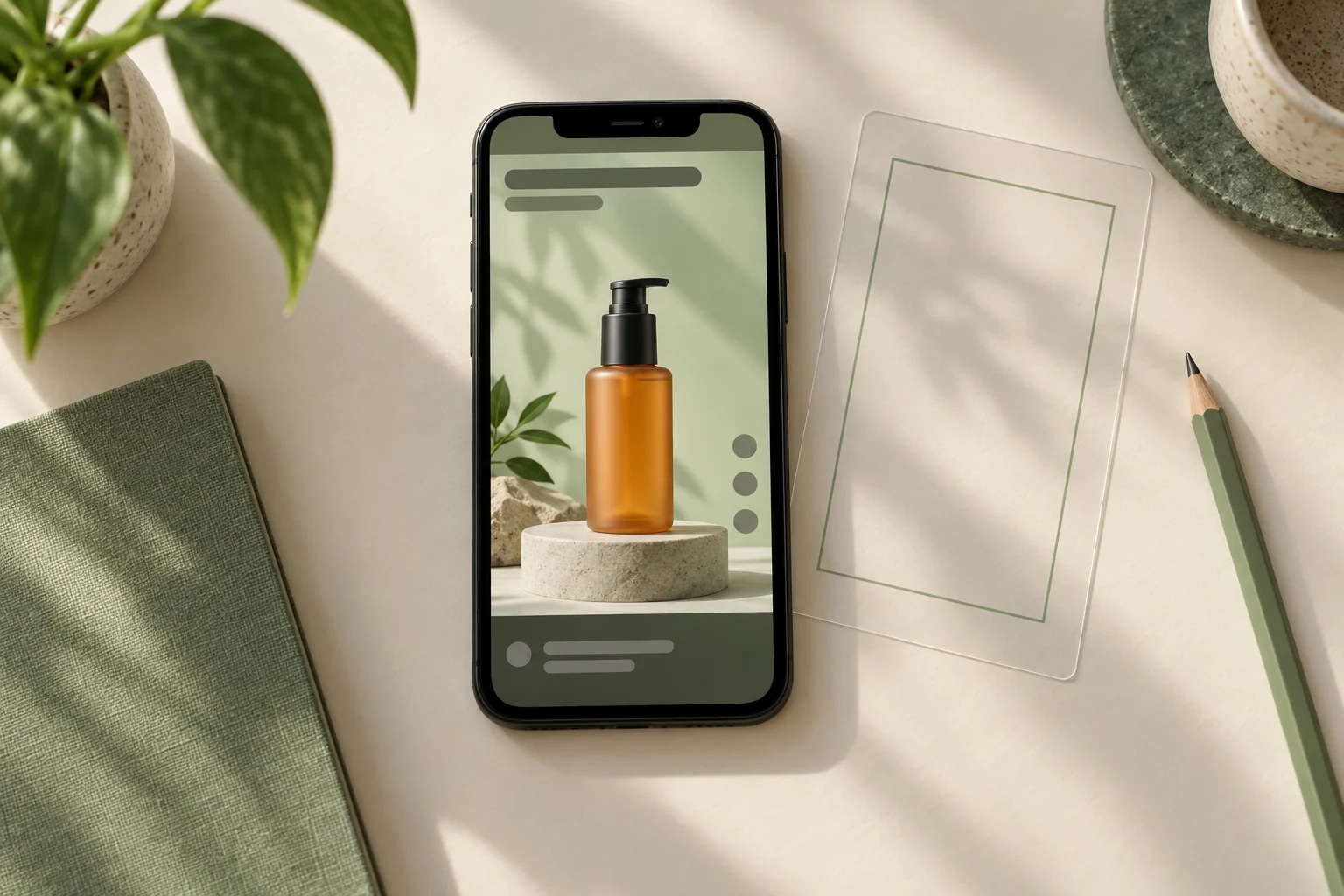

Choose a cover by asking what someone can understand from that still alone, then compare that impression with the finished video. Send the exact reference and its source version to the person configuring the cover. Agreement on an attractive image is only the first step: the publishing control must use the intended choice too.
Define what the cover needs to communicate
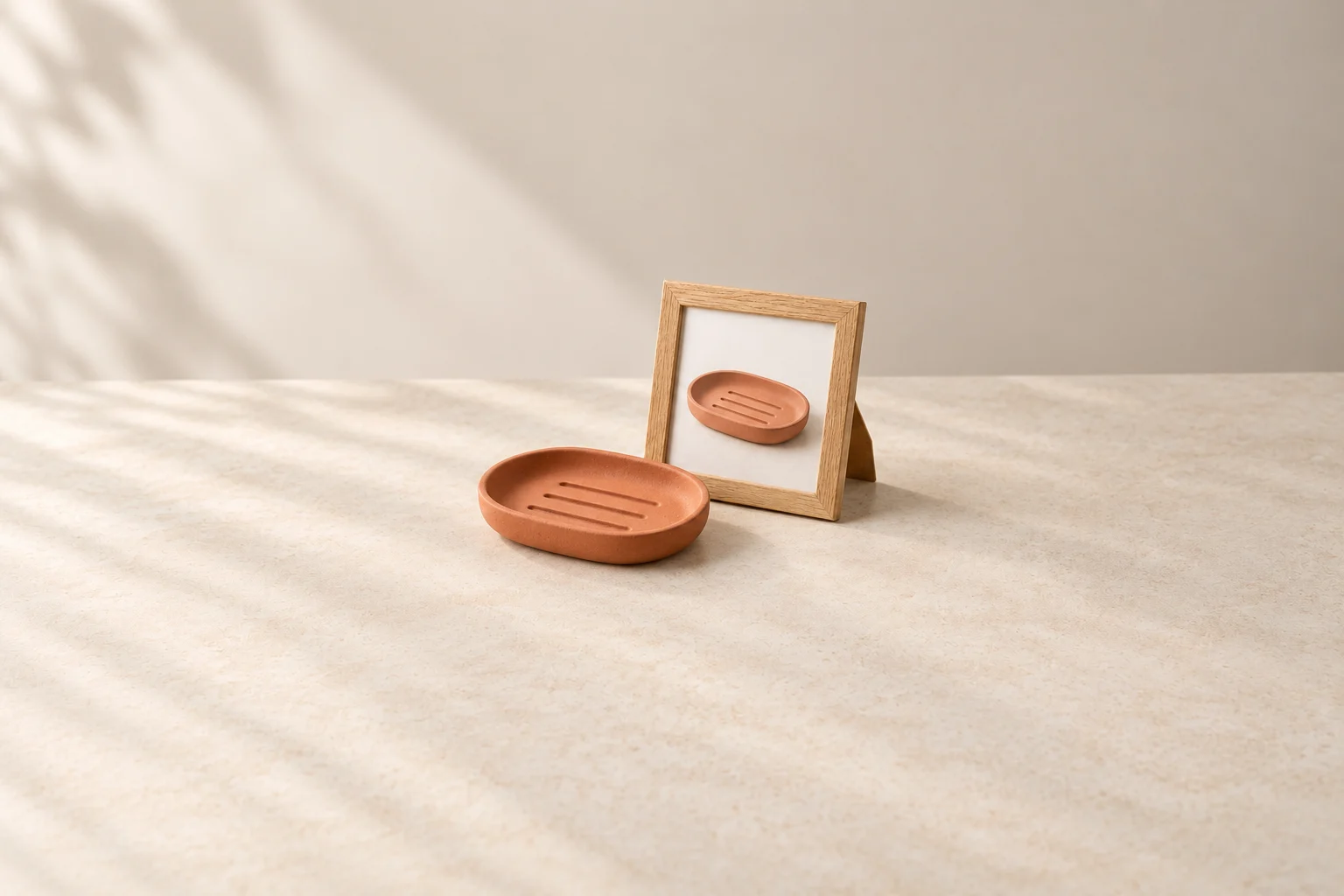
Write one plain sentence about the video's subject before comparing images: for example, “This video shows the shape of an empty soap dish and then places a bar of soap inside it.” The cover should give a fair introduction to that subject. A beautiful close-up may show texture without letting someone identify the item; an unrelated promotional still may promise a different product or activity.
Confirm where the cover will be configured. TikTok's Ads Manager guide describes choosing a thumbnail from preselected video images or uploading a custom cover photo. It also notes that the objective and ad-group selections affect the available creation fields. This is an advertising workflow example, not a statement that every ordinary TikTok post has the same controls.
Ask the person handling the actual ad setup which option applies before commissioning an extra still. Keep the video opening as a separate decision: requesting a representative cover does not ask the editor to insert a title card, reorder shots or change the first seconds. Any such edit needs its own instruction.
Compare the meaning of candidate frames
Imagine a fictional file, “dish-v3.mp4”, showing a terracotta soap dish sold without soap. These invented moments illustrate a selection discussion; no recording or ad test was performed. Times locate hypothetical moments, not recommended timings for every video.
Fictional cover comparison for one product video
Scroll sideways to see all columns.
| Candidate reference | What the still communicates | Decision for this assignment |
|---|---|---|
| A, around 00:02: a tight view of the rim | The surface is visible, but the complete shape and purpose are difficult to identify. | Keep it as a detail within the video. Do not choose it for a cover whose job is to introduce the whole dish. |
| B, around 00:07: the complete empty dish | The agreed product and its outline are visible without a separate prop. | Propose B, subject to checking the actual still at the intended preview size and confirming how it can be supplied. |
| C, around 00:12: a bar of soap inside the dish | It shows use, but the soap can be read as part of what is being offered when the still is viewed alone. | For this brief, prefer B. If a use view is requested, resolve how the intended presentation makes the separate prop clear before agreeing it. |
This is a decision about meaning, not a prediction that B delivers better advertising performance. Do not treat a private note saying “soap not included” as a correction to a misleading public presentation. The generated illustration above only shows the product-and-picture concept; it is not candidate B extracted from a real video.
Identify the exact still and its delivery role
A timestamp such as 00:07 may contain several visibly different frames. Attach the exact reference still with the source filename and describe the identifying moment. Check the actual file for blur, an obstructing hand, a half-finished transition or text that only makes sense beside another frame. Watch the surrounding sequence to confirm the still belongs to the intended product and version.
Mark whether the attachment is a reference for selecting an available frame or an agreed cover asset for upload. A screenshot with playback controls is not automatically a finished cover. If a separate image is required, agree who prepares it and check the current destination requirements rather than sending a chat preview as the final file.
The desired moment may not be among the platform's preselected images. Do not silently substitute a nearby frame. Ask whether an appropriate supplied cover can be used in the actual setup, or return another available candidate for a decision. Recheck the reference when a new video version changes the product, crop, visible text or timing.
Confirm the choice actually configured
Keep the agreed choice separate from the observed setting. The person configuring the ad should compare the resulting thumbnail with the reference and record any difference. Inspect the available small preview for product recognition and clipped detail without turning one view into a universal crop rule.
Cover handoff record
Video filename and version:
What the cover should communicate:
Exact reference still and locating moment:
Attachment role: selection reference or upload asset:
Actual ad setup and available cover option:
Person preparing the asset, if required:
Agreed candidate and reason:
Cover actually configured, checked by whom and when:
Difference or unresolved action:
TikTok notes that its ad previews are not device-specific. Record what was actually checked rather than promising identical display everywhere. A completed cover decision still leaves the full video, surrounding ad setup and release authorization to their respective checks. It also leaves campaign performance unproven.
How this fits UGC Stage
UGC Stage is an application in development connecting brands and creators. Its planned workflow will keep conversations, references, files and feedback in one place. Keep the agreed cover reference beside the video version and the instruction for the person publishing it. Make and check the selection with your production and advertising tools; this does not promise automatic frame extraction or ad configuration inside the application. Join the brand launch list to hear when it becomes available.
Sources and notes
Practical guidance from the UGC Stage team. Examples are educational, not customer results or income guarantees.