

Before commissioning videos for several colors or models, give each output a clear product identity. Then mark which components may be shared and which must show or describe that exact variant. A new filename or color label cannot correct footage of the wrong item. Plan the differences before filming and check them again in the final exports.
Give each output an actual product identity
Write a separate row for each agreed video: the product reference, variant, visible distinguishing details, intended destination and required action. Distinguish a physical product variant from an edited version of a file. “Green spoon rest” identifies an item; “revision 2” identifies a later edit and does not say which item it contains.
Confirm the brand’s product references against the samples and supporting information. Similar shapes do not establish identical dimensions, materials or instructions. Note those facts separately if they matter to the video, and leave unconfirmed details open. A color name alone may be insufficient when the catalogue contains several green models.
Google Merchant Center’s image-link guidance provides a specific example: it recommends dedicated variant imagery that matches the option being sold, including its color, pattern, finish and material. That guidance concerns product images submitted to Google. The video planning method below is our editorial approach, not a Google requirement for every UGC video.
Separate shared components from variant-specific work
Imagine two commissioned videos: A shows a cream ceramic spoon rest; B shows a muted-green one. Each must show a spoon being placed on its own item. The spoon is a separate demonstration prop, not included in the fictional product. This is a planning exercise, not a completed shoot or a claim that the products perform identically.
Fictional component decisions for outputs A and B
Scroll sideways to see all columns.
| Proposed component | Output A: cream | Output B: green |
|---|---|---|
| Opening view of the empty worktop, if the agreed story needs it | Candidate for reuse after checking that it contains no product or variant-specific information. | The same candidate may fit, subject to the agreed use and the complete edit; it is not automatically needed. |
| Whole-product view and spoon-placement action | Use footage of the actual cream item. | Use footage of the actual green item. A close-up of the cream item is not a substitute. |
| Spoken color identification and matching visible text | Identify the cream variant where the script calls for it. | Replace the identification with the correct green wording; check the audio and text separately. |
| A proposed claim about dimensions or material | Use only information confirmed for this item and relevant to the agreed message. | Check the claim for this item too; do not carry it over merely because the shape looks similar. |
This map identifies production work; it does not grant rights to reuse a recording or decide what the creator must include without an additional agreement. Confirm shared components, separate captures and edits when settling scope. If another variant is added later, assess the new row rather than treating it as a simple filename change.
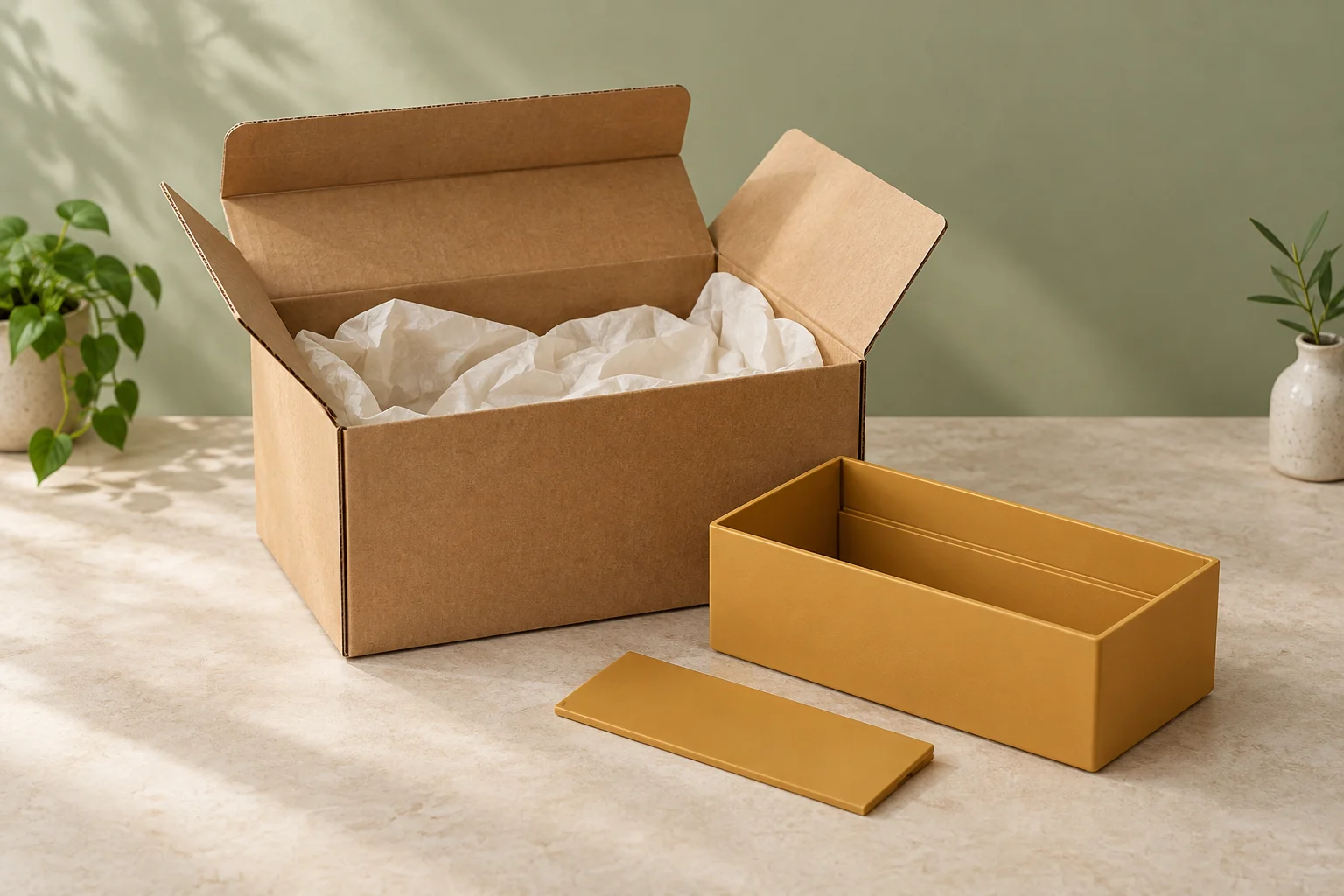
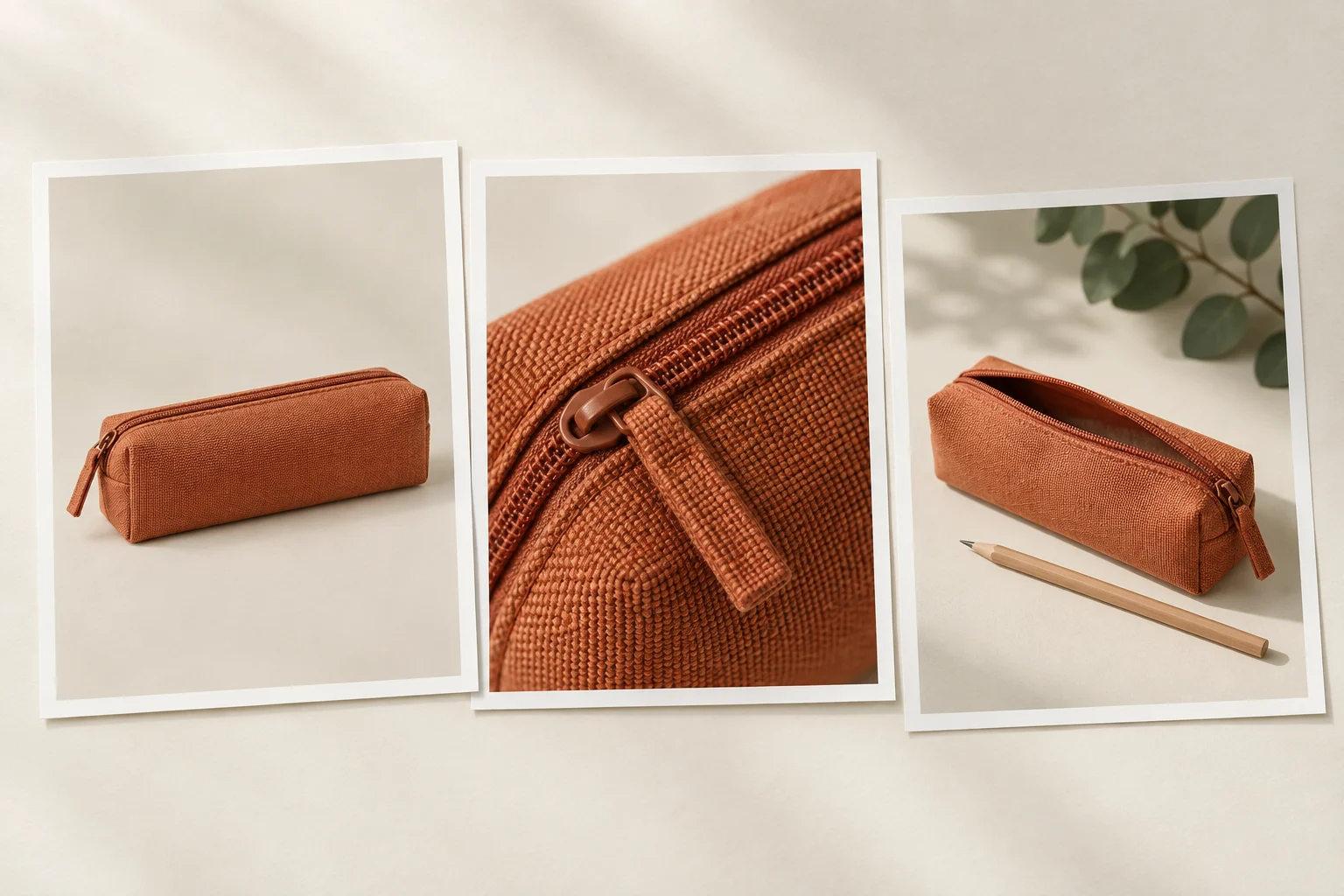
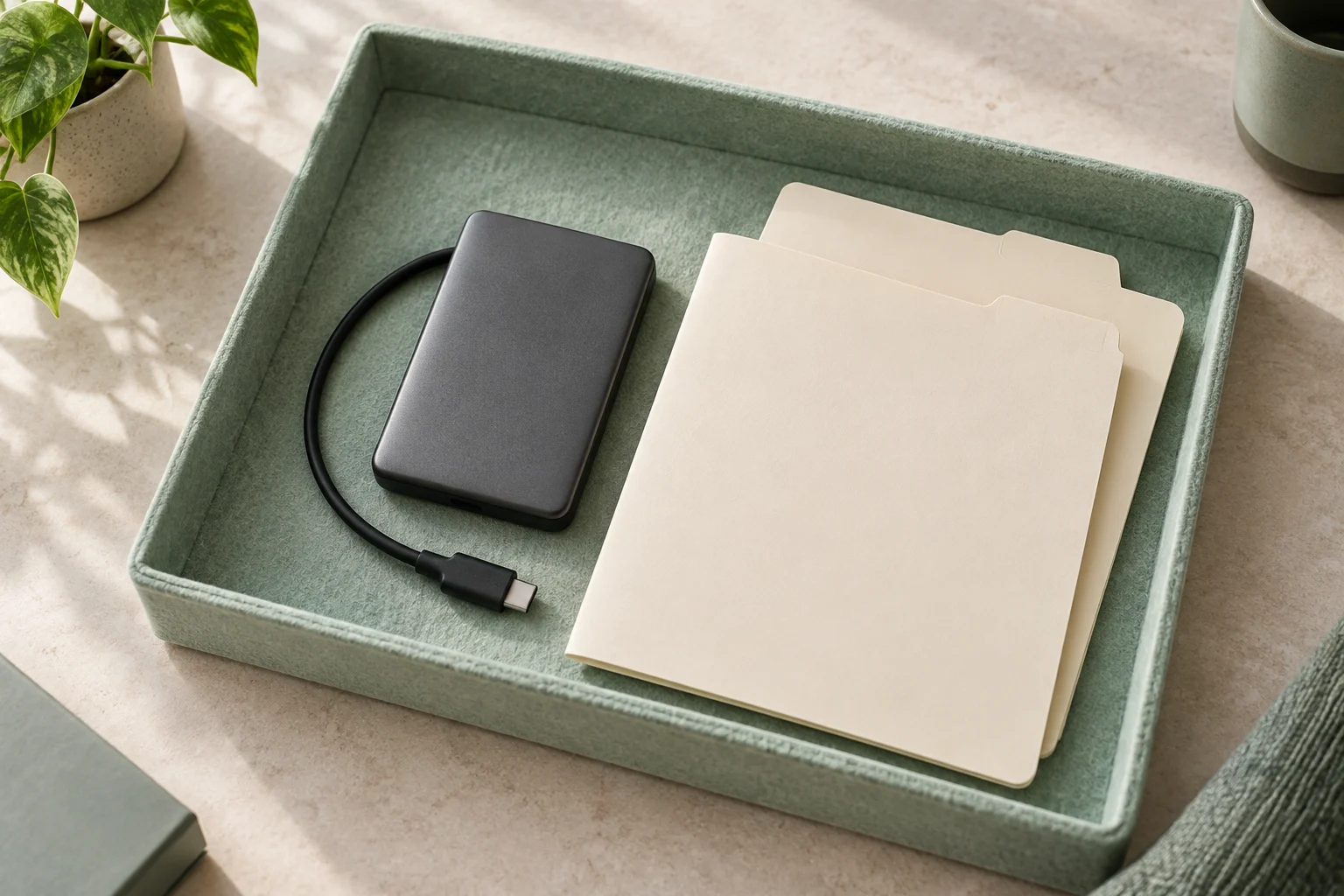
The generated cover illustrates the fictional pair and blank identification cards. It does not establish their real specifications, exact color under filming conditions or readiness for a product listing.
Repair the mixed edit at the affected component
Suppose a hypothetical first edit of B opens with the green item, then cuts to the cream item for the spoon-placement action. Its audio and closing text both say green. The label is correct, but the visual sequence is not. Renaming the file or changing the closing card cannot fix the mismatched action.
Identify the affected shot and ask whether usable green-item footage exists. If it does, request the appropriate replacement and check the transition. If it does not, record the missing capture and agree new filming or an explicit change to the required action. Do not quietly recolor the cream footage and present it as a recording of the green sample.
A useful instruction is: “Output B must show the green item throughout the product action. Replace the cream spoon-placement shot with the corresponding green shot. If that capture is missing, confirm it before revising the agreed scope or delivery date.” This identifies the defect without assuming the missing work is free or blaming a particular person.
Keep the unresolved decision attached to B. It does not prove that A is complete, nor does it automatically require changing A. Review A against its own row. Where one shared component changes, check every output that actually uses it instead of assuming the correction reaches all exports.
Connect each finished file to the agreed variant
Use the record below during planning, then fill the file and observation fields only after reviewing the actual export. Watch the whole video, not just its opening or thumbnail. Check the pictured item, spoken identification, captions and other visible text together; a correct thumbnail can hide a wrong variant later in the edit.
Variant-to-output record
Output identifier and intended destination:
Product reference and physical variant:
Required action and distinguishing details:
Shared components agreed for this output:
Variant-specific footage, audio and text:
Missing capture or unconfirmed information:
Agreed decision and scope change, if any:
Exact exported filename and version reviewed:
Observed match or mismatch, with scene reference:
Correction owner and affected outputs:
Rechecked file and remaining issue:
If the product reference, wording or selected shot changes, revisit the affected rows and exports. Keep review findings distinct from a plan to make a correction. Once each requested video is resolved, use the delivery list to hand over those exact files. The map supports clear assignment and review; it does not certify product specifications or predict campaign results.
How this fits UGC Stage
UGC Stage is an application in development connecting brands and creators. Its planned workflow will keep conversations, references, files and feedback in one place. A manual variant-to-output map can help the parties refer to the same product identities and agreed changes beside the brief. Prepare and check the map with your own production tools; it is not a promised product-catalog integration or automatic matching feature. Join the brand launch list to hear when the application becomes available.
Sources and notes
Practical guidance from the UGC Stage team. Examples are educational, not customer results or income guarantees.