
A product action can jump backward or skip a step when you cut between separately filmed views. Compare what happens immediately before and after the cut, then test whether nearby frames continue the movement clearly. If the recordings do not contain compatible moments, change the capture plan instead of forcing the join.
Define the action that must continue
Match on action connects views of a movement across a cut. CapCut’s educational guide describes continuing a hand movement from another angle and recommends planning the outgoing and incoming frames before filming. This is practical editing guidance, not evidence that every pair of recordings can be joined convincingly.
Name one event the viewer must follow, such as a zipper moving from closed to open. Identify the moving part, the hand holding it and the visible result. This article deals with the junction between two clips; use the shot-list guide to plan the wider sequence and required product states.
Keep the claim honest: separate takes form an edited demonstration. A convincing join does not prove one uninterrupted action, its real duration or consistent product performance. If the purpose is to document continuous operation or timing, this edited example cannot provide that evidence.
Record enough movement on both sides
For a planned wider-to-closer change, record the complete required action in each view where practical. Include the hand approaching and the action settling, rather than starting the second recording at your guessed cut point. You need room to compare possible joins, not a prescribed number of spare seconds.
- Reset the product to the agreed starting state before the second take, including any part already opened or moved.
- Keep a reference for where the hand touches the product and how it holds the moving part. Check the actual recording, not memory alone.
- Compare the direction of the action inside both images. Moving the camera can change its apparent direction even when the physical action is repeated.
- Keep both original files. Name the actual pair under review so a later replacement does not silently invalidate the decision.
Compatible material gives you choices; it does not guarantee an invisible cut. If filming from the second angle prevents the necessary grip or hides the required step, adjust that view before recording the full sequence. Another complete, understandable angle may be the better solution.
Inspect the cut before adding a transition
Start with a direct cut. Compare the last visible frame of the first clip with the first visible frame of the second, then inspect the movement around them. CapCut recommends comparing frame by frame, trying nearby cut points and watching at normal speed. Its guide also cautions that editing cannot reliably make incompatible footage convincing.
Look for three different problems: the action repeats, a necessary part disappears, or the hand and product relationship changes. A matching still pose alone is insufficient if the movement on either side travels differently. Move the cut and compare again only where both files contain the needed action.
Watch the join at normal speed in the surrounding sequence. Listen as well: an abrupt or repeated product sound can contradict the visible action. Do not assume a dissolve, flash or added sound repairs a missing product step. Keep the action understandable before choosing any decorative treatment.
Example: opening a fictional lavender pouch
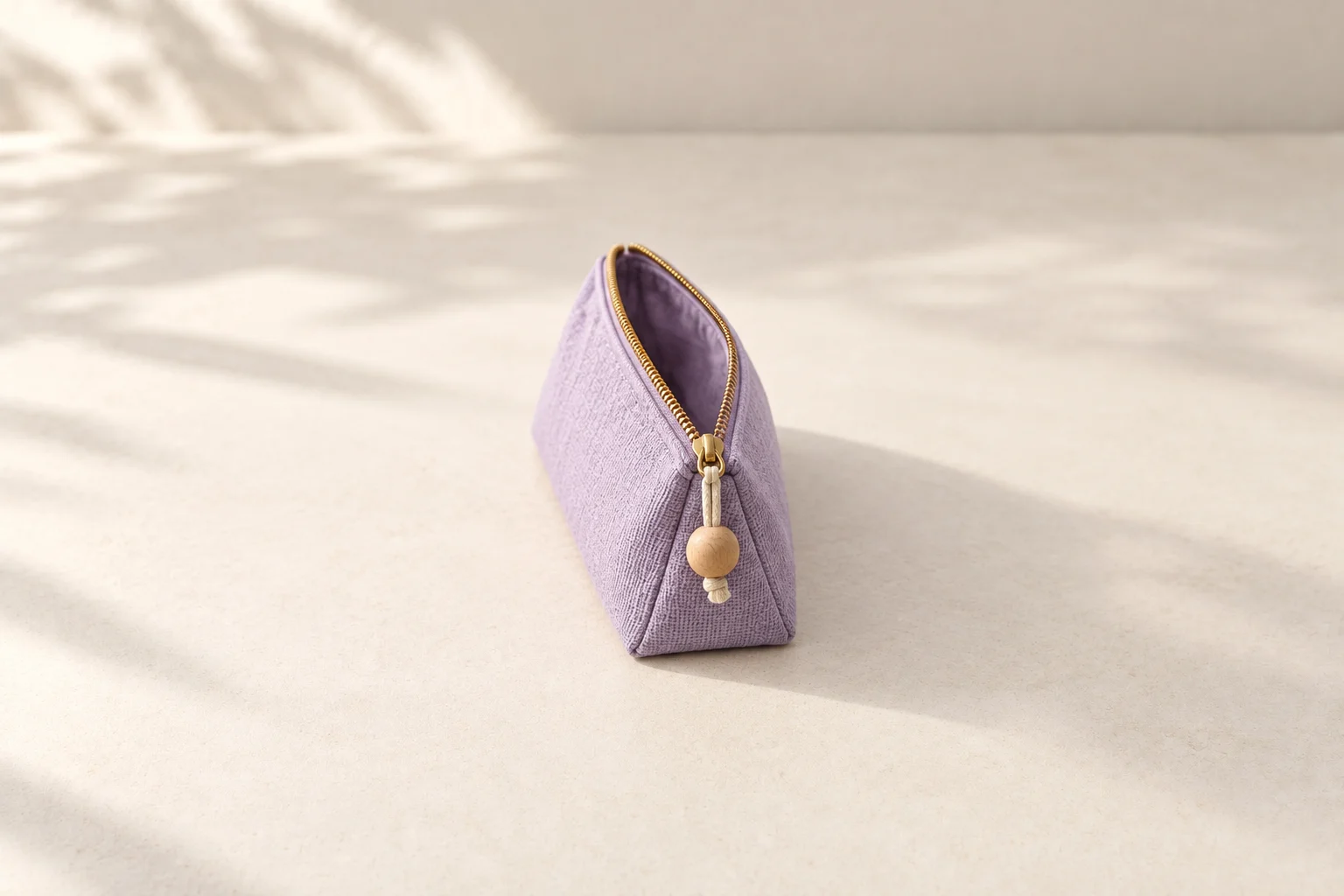
Imagine two takes of opening a lavender pouch by its wooden bead pull: a wider view and a closer view. The table proposes alternative problems and next checks, not a sequence of observed test results. No pouch footage was recorded or edited for this example. The generated cover shows only one open pouch.
Possible junction problems and the next decision
Scroll sideways to see all columns.
| At the candidate cut | What to inspect | Next decision |
|---|---|---|
| The second view starts earlier in the opening action. | Does the pull visibly travel through the same stage twice? | Try a later entry in the second clip, then check that the required movement still reads clearly. |
| The second view starts after a required part of the opening. | Does the pouch appear more open without showing how it reached that state? | Look for an earlier usable entry or a later exit from the first clip. If neither covers the missing step, record compatible material or keep one complete view. |
| The hand changes its grip or apparent direction abruptly. | Does a nearby pair of moments preserve both contact and movement? | If not, reset the hand and camera relationship for another take. Changing the cut cannot create an unrecorded grip. |
| The still frames look similar, but playback remains confusing. | Can the opening be followed at normal speed, with the actual accompanying sound? | Reassess the pair in context. Keep one complete view if the added angle does not help explain the action. |
Record the decision and check the export
Action to continue: [visible event]
First and second files: [exact filenames]
Candidate cut: [time or frame references in each file]
Outgoing/incoming state: [product position, grip and movement]
Observed mismatch: [repeat, missing step, direction or other issue]
Next change: [nearby cut point, another take or one complete view]
Normal-speed playback: [what you actually observed]
Viewed export: [filename and remaining issues]
Sample description: [edited practice demonstration and your actual role]
Play the saved export with sound from before the action through its end. Recheck after changing either take, the cut or the accompanying audio. For commissioned work, confirm any additional capture and changed scope with the brand; this worksheet does not determine whether a reshoot is included.
For a portfolio, describe the work you actually completed and label self-initiated work as practice. Explain the cut or replacement decision without claiming a continuous recording or a client result. An honest decision to retain one clear angle can be more useful than forcing a second view.
How this fits UGC Stage
UGC Stage is an application in development connecting creators and brands. Its planned portfolios will showcase selected video, photo and audio work. An honestly labeled practice sample can explain how you filmed and edited a product action, including the choice to record another take. Use your own recording and editing tools; action matching is not a UGC Stage feature. Join the creator launch list to hear when the application becomes available.
Sources and notes
Practical guidance from the UGC Stage team. Examples are educational, not customer results or income guarantees.