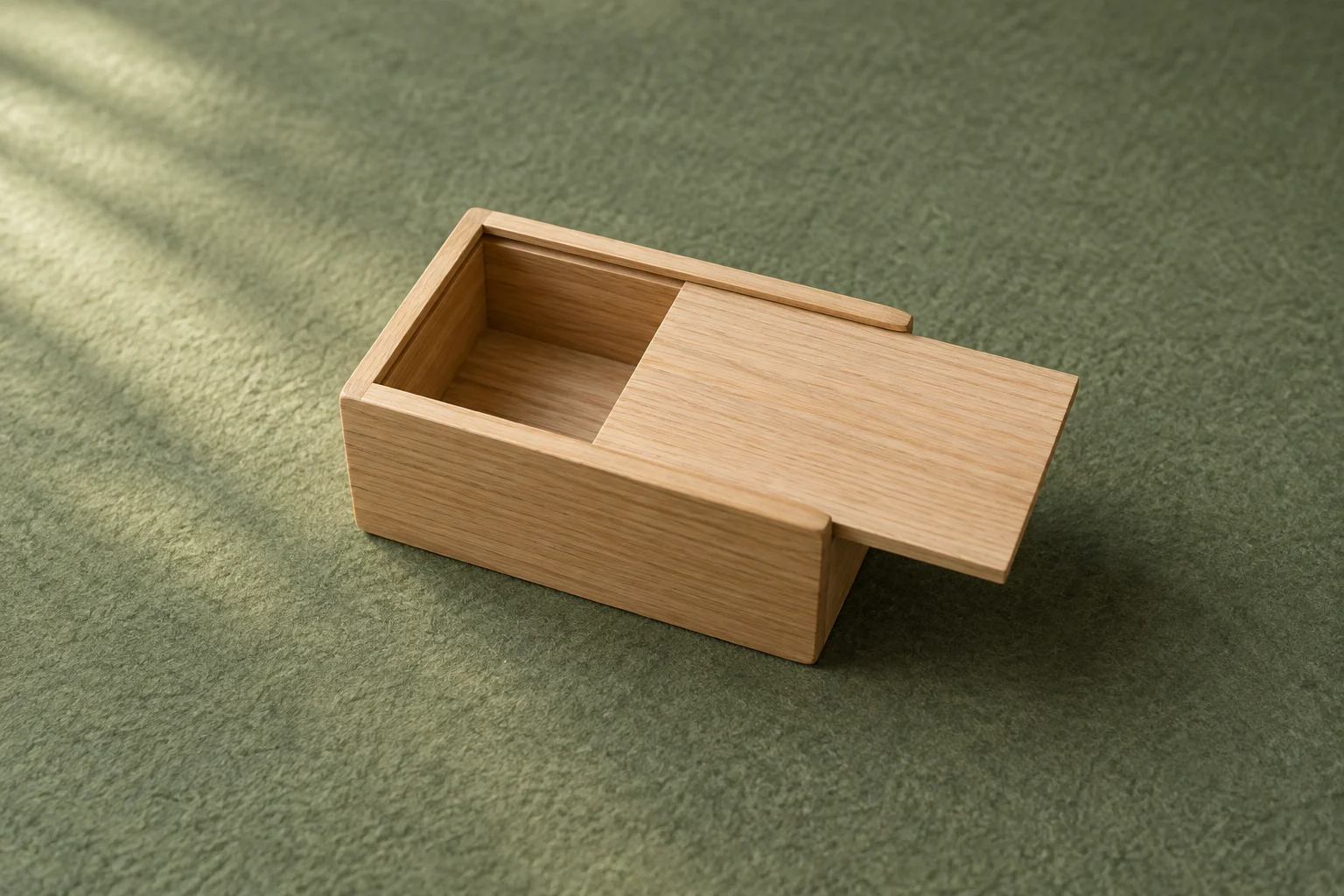


Use slow motion when a specific movement needs more viewing time, then check whether the slowed section actually makes that movement easier to understand. Keep normal-speed context and identify a slower replay when viewers could mistake it for the product’s real operation. Slowing the whole video is not automatically useful.
Choose the event before changing playback speed
Write one viewing question: what part of the movement is difficult to follow? It might be a brief change in the angle of an object or the moment two visible parts meet. If the normal-speed clip already answers the question clearly, keep it. An attractive slower image is a creative choice, not evidence that the product works better.
Plan a complete normal-speed view of the action as context. A slower replay can then revisit the relevant portion without making the whole demonstration appear to happen at that speed. Label it as slow motion where that distinction matters. This is a recommendation for clear communication, not a claim about a universal labeling law.
Separate a presentation decision from a performance claim. A slowed replay cannot by itself establish how fast a mechanism operates or how long an object moves in real time. Do not read elapsed time from a slowed presentation or use a selected moment to support a claim about stability, strength or quality.
Test the capture mode and selected slow section
Check the recording and editing options available on your actual device. Apple’s iPhone guide explains that Slo-mo playback can be edited to choose the parts that play slowly, while the available recording frame rate and resolution depend on the model. Its Photos guide also says playback options depend on the captured format. These are iPhone-specific instructions, not a promise that every phone or editor has the same controls.
Record a short test of the intended movement before the full session. Compare normal playback with your proposed slow section. Inspect the useful detail, the start and end of the speed change, and whether the movement remains understandable. Do not assume reducing the speed of any existing file will produce usable motion.
- Keep the source recording and note the capture mode actually used; do not invent a frame rate from how the preview looks.
- If the saved test has pulsing light or moving bands, use the indoor-flicker guide to investigate the recording setup before choosing a final take.
- If slower playback still leaves the required detail unclear, change the framing or recording plan and test again, or keep normal speed.
- Listen to the actual result. Decide intentionally which original sound or separately agreed audio accompanies the replay; do not assume every editor treats slowed audio identically.
Example: a fictional wooden spinning top
Imagine a practice video that shows a wooden top starting, rotating and coming to rest. The viewing question is whether a brief change in its tilt is understandable. The table proposes choices for an exercise; no top was filmed and no resulting export was tested. The generated cover shows only the stationary example object.
Proposed playback decisions, not observed test results
Scroll sideways to see all columns.
| Part of the demonstration | Proposed treatment | What to check |
|---|---|---|
| Start and normal movement | Keep a normal-speed view as context. | Can the viewer follow the start and recognize the action before the replay? |
| A brief change in tilt | Try a clearly labeled slow-motion replay of that portion. | Does the selected recording actually show the change more clearly, with understandable entry and exit? If not, change the capture plan or omit the replay. |
| End of the action | Retain the normal-speed ending and make the return from replay clear. | Is it clear that the replay revisited an earlier moment, rather than extending the real event? |
| A proposed claim that it spins longer or more steadily | Leave the claim out of this exercise. | Neither the slower replay nor this invented example supplies a measured comparison of duration or stability. |
Choose the boundaries from the visible event, not a fixed number of seconds. Keep enough context to understand the movement, but do not repeat a long section merely to extend the edit. If you cut between separate takes, do not present them as one uninterrupted event.
Record the decision and inspect the delivered file
Source recording: [exact filename]
Required visible event: [what the viewer needs to follow]
Capture setup: [device, app and supported mode actually used]
Normal-speed context: [which source portion establishes the action]
Slower replay: [start/end reference and speed treatment actually applied]
Identification: [how the viewer can recognize the replay]
Audio choice: [what accompanies this section]
Viewed export: [exact filename and playback observations]
Remaining issue: [what is unclear and next change]
Practice description: [your actual filming/editing contribution]
Play the saved export from start to finish with sound, rather than relying only on the editing preview. Check that the normal-speed context, replay identification, speed boundaries and ending survived the export. Recheck the final file after changing the selected take, playback treatment, audio or sequence.
Select a portfolio sample only after making and inspecting the real work. A useful description names your production decisions and any remaining limitations. The worksheet and conceptual cover are planning aids; neither is proof of a successful demonstration or a client result.
How this fits UGC Stage
UGC Stage is an application in development connecting creators and brands. Its planned portfolios let creators showcase selected video, photo and audio work. A practice demonstration can show how you selected a product action, preserved its normal-speed context and used a clearly identified slower replay. Describe the filming and editing you actually did, and label self-initiated work as practice. Record and edit with your own tools; this is not a slow-motion feature in UGC Stage. Join the creator launch list to hear when the application becomes available.
Sources and notes
Practical guidance from the UGC Stage team. Examples are educational, not customer results or income guarantees.