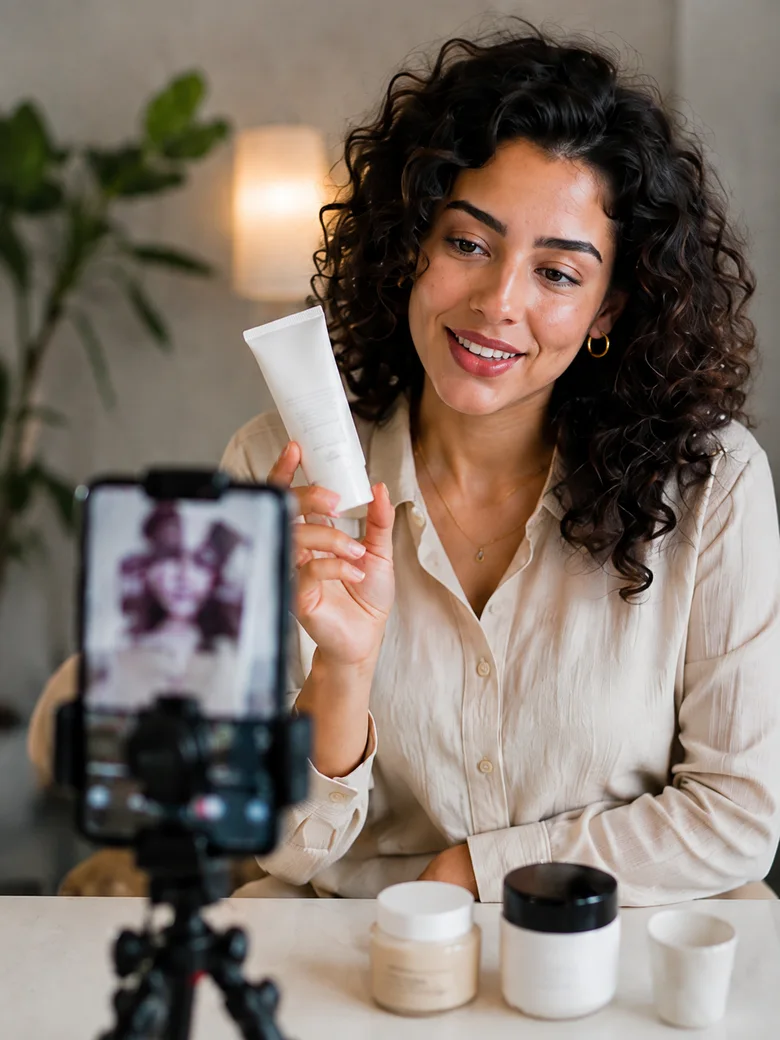

Keep the message fixed, record a short rehearsal and review one visible delivery choice: where a cue pulls your attention, whether the product detail is shown, or whether the viewer can follow a pause. Try one adjustment and watch the new take. Look toward the lens when addressing the viewer and at the product when handling it; constant eye contact is not the goal.
Keep the message while choosing a cue method
Start from wording and product information you can support. Identify the idea the viewer needs to understand and any sentence that must remain exact for the assignment. Rehearsing delivery is not permission to invent a benefit, remove an important condition or replace required wording with a more impressive claim.
UCLA’s guidance for recording lecture videos recommends preparation and practice, conversational delivery and trying to look toward the camera. That is educational production guidance, not a study showing that a UGC technique improves confidence, trust or sales. The exercise here adapts a modest practical idea: prepare what you need to communicate, then inspect how you communicate it.
If the wording is flexible, a few cue points may be enough to remind you of its order. If exact language is required, retain the script and use a reading or prompting method that works for you. A full script or accessibility support is not automatically a problem. Review whether the resulting take communicates the intended meaning.
Place cues around the actual product action
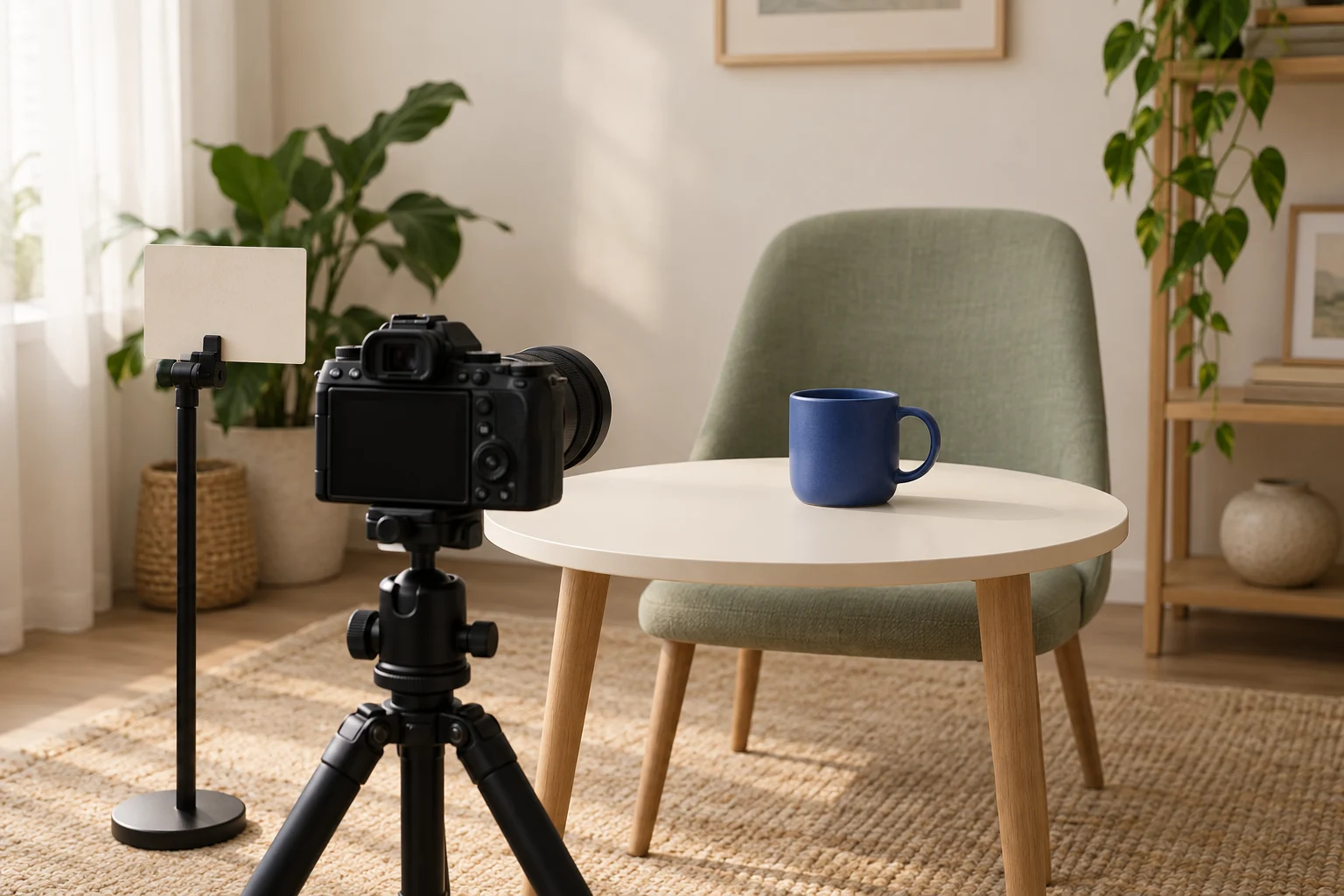
For a fictional practice example, imagine showing the handle of an empty blue mug. The intended message is simply to identify the mug and show the handle. There is no claim about heat retention, comfort or durability. Possible cue points are “introduce mug — turn handle into view — address viewer again.” These are reminders, not a compulsory spoken script.
Set the camera or phone in the position you intend to use. Try placing a short cue close enough to the camera that finding it does not require repeatedly turning far away. Check the actual framing and your ability to read the cue; there is no universal position or distance. The equipment in the illustrative cover is not a purchase requirement.
When speaking to the viewer, direct attention toward the lens rather than continually checking your own preview. When turning the mug, look at it as needed to handle it normally. Then return attention toward the lens when resuming the explanation. Do not force a fixed gaze while manipulating an object, or treat every glance at a note as a failed take.
Make a short rehearsal using the agreed message and cue method. Review what is visible and audible in that file. Keep the written idea separate from the question of whether your eyes, hands and words made it clear in this particular recording.
Choose one delivery adjustment from playback
The following are hypothetical observations and possible next steps, not findings from a recorded session. Choose the row that matches something you actually observe. Changing one delivery choice at a time can make the next review easier to interpret; it is not a controlled experiment proving an effect on an audience.
Fictional mug rehearsal: observation, adjustment and recheck
Scroll sideways to see all columns.
| If playback shows… | Try one adjustment | Check the new take for… |
|---|---|---|
| The same cue repeatedly turns your head far to the side during the explanation. | Move that cue closer to the camera while keeping its words and the message unchanged. | Whether you can find the cue and resume addressing the lens without losing the required point. |
| The handle passes through view before the viewer gets a clear look. | Add a deliberate pause with the handle visible, keeping the same explanation. | Whether the detail is visible at the relevant moment and the pause still feels natural when played back. |
| You watch your own screen while delivering the closing point to the viewer. | Choose the lens as the place to address that closing point. | Whether the intended sentence remains clear and you still look at the mug when its handling requires attention. |
Write observations in terms another person could check, such as “the cue is read while the handle is outside the frame.” Avoid labels such as “my face looks unconfident.” A recording does not tell you someone’s personality from a glance, and the exercise does not require changing your accent, forcing a smile or imitating another creator’s manner.
Listen as well as watch. If the revised take drops a required phrase or adds an unsupported claim, it has not preserved the message even if the delivery seems smoother. If the issue is unclear audio rather than presenter attention, resolve that recording problem separately instead of repeatedly changing your expression.
Keep the take and its next action identifiable
Use a short note to stop each new take from becoming a vague attempt to “be more natural.” Fill the observation only after playback, then choose whether to retain the take, try another adjustment or clarify the assignment. There is no required number of takes or promised improvement deadline.
On-camera rehearsal note
Required message and any exact wording:
Cue points or prompting method:
Camera and cue position used:
Take filename/version:
Observed moment: what the eyes, hands and words actually do:
One proposed delivery adjustment:
New take filename/version:
Message retained? Product detail visible?
What remains unclear after playback:
Decision and next action:
For the mug exercise, a useful result would be a take in which the agreed explanation and handle are clear. That result must be checked in the real recording; it is not established by completing this worksheet. For a portfolio sample, keep the practice label and describe the delivery choices you actually made. A selected rehearsal can demonstrate your current work without claiming that it earned a client or improved campaign results.
How this fits UGC Stage
UGC Stage is an application in development connecting creators and brands. Its planned creator portfolios let you present selected video, photo and voice samples. An on-camera practice sample can show the kind of explanation and product handling you can actually provide. Label self-initiated work honestly, describe your role and use material you have the right to display. Record and review with your own tools; Stage is not presented as a teleprompter, coaching score or automatic take selector. Join the creator waitlist to hear when the application launches.
Explore the applicationSources and notes
Practical guidance from the UGC Stage team. Examples are educational, not customer results or income guarantees.