

Portfolios
Choose slow motion for a UGC product demonstration
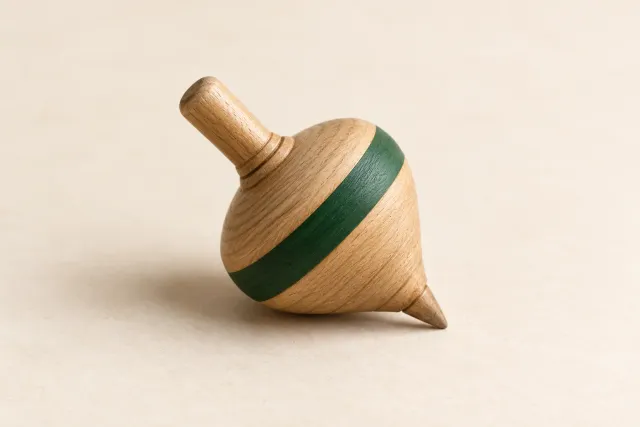
Decide which product action needs slower playback, preserve normal-speed context and check the export with a fictional spinning-top example.
Step-by-step help for UGC creators: prepare work samples, price your work clearly, and improve filming and sound before delivery.
Decide which product action needs slower playback, preserve normal-speed context and check the export with a fictional spinning-top example.
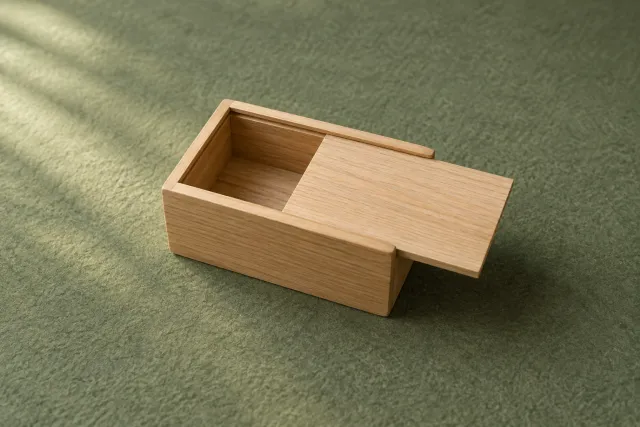
Match a product sound to its visible start, movement and stop. Use a fictional sliding-lid box cue map to decide what to keep, record again or remove.
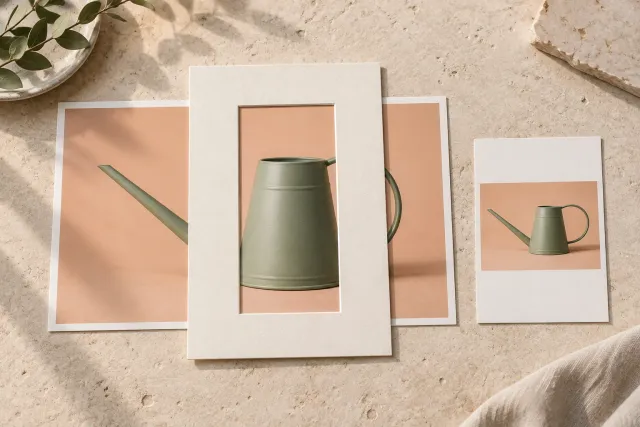
Adapt wide product footage to portrait by checking the whole action. Use a watering-can decision table to compare cropping, fitting and a separately agreed new shot.
Investigate moving bands or pulsing in a saved product clip. Compare one light or camera change at a time, record uncertainty and check the final export.
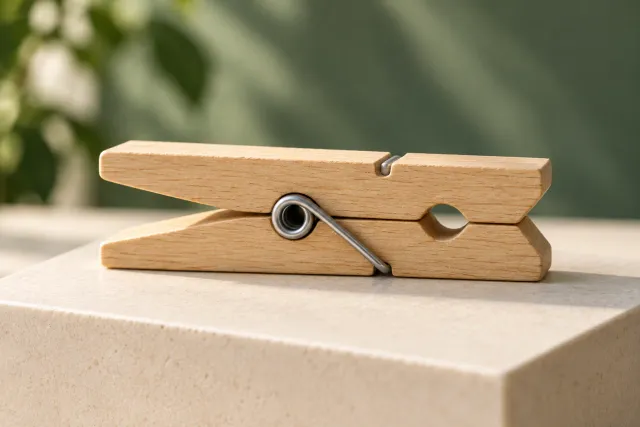
When moving closer makes a product detail blurry, test distance, movement and camera behavior separately. Use a fictional clothespin example and a reusable shot record.
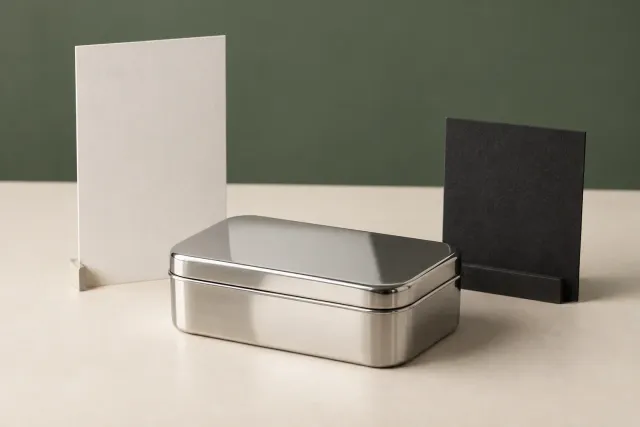
Identify useful shape cues, distracting objects and private details in a shiny product. Use a fictional metal-tin decision map before choosing your UGC clip.
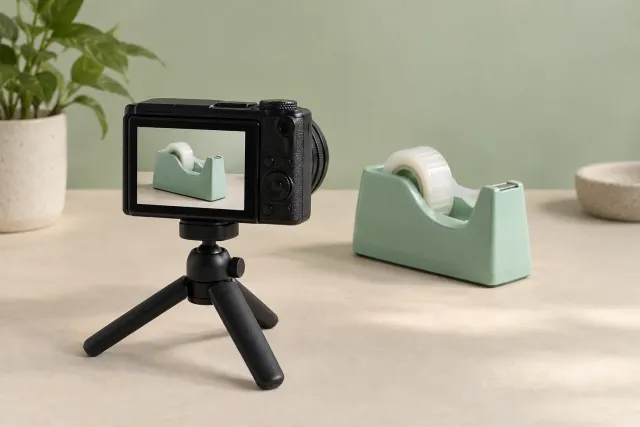
Clarify camera clips, clean edited exports and editable projects before agreeing a UGC package. A fictional example defines selected takes, audio and exclusions.
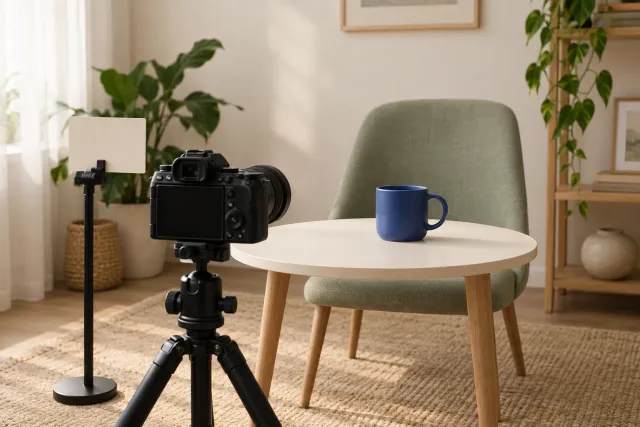
Keep the agreed message while rehearsing where you look and when you show the product. A fictional mug example helps you review one delivery change at a time.
Choose whole-product, detail and context views for an agreed purpose. A fictional pencil-case example helps you check coverage, variants and styling props.
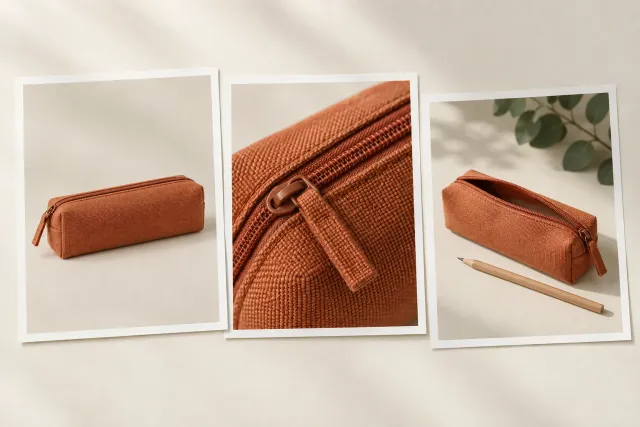
Match spoken lines to a specific product action, separate real experience from claims needing evidence, and use a fictional cable-organizer script revision worksheet.
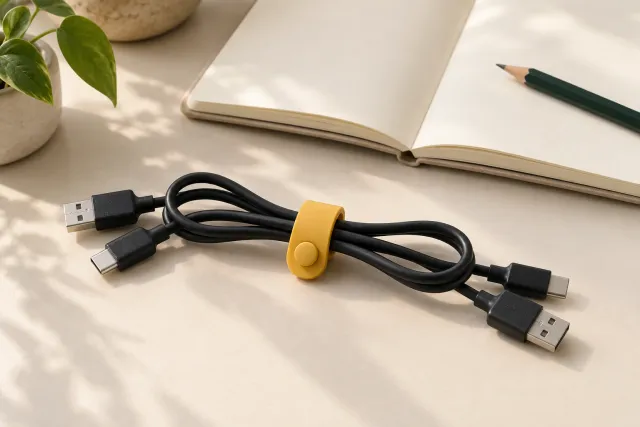
Plan one app action using permitted sample data, test the captured audio and inspect the full export. Includes a fictional packing-list demo and a reusable review record.
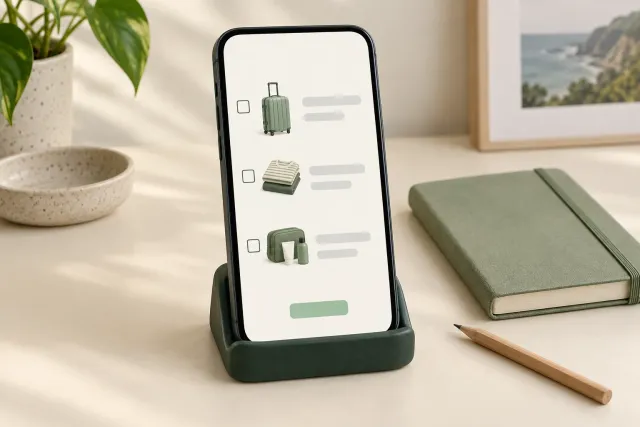
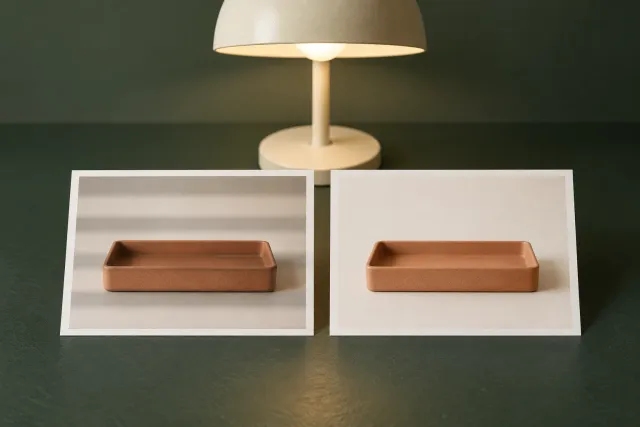
Use a short product movement to check window light, shadows and color shifts. Try a fictional lunchbox test log and keep a setup note for matching neighbouring takes.
Try a shorter search or clear your filters.